
Brand
Media Kit & Brand Assets
Everything you need to reference TeamPrompt in press, partnerships, and integrations. Download logos, get brand colors, and access extension marketplace assets for store submissions.
Logos
Use the icon when space is limited. Use the wordmark when the TeamPrompt name needs to be visible. Always maintain clear space around the logo.







Usage Guidelines
- Do not alter, rotate, or distort the logo
- Maintain a minimum clear space equal to the height of the "T" icon around the logo
- Do not place the light logo on a light background or the dark logo on a dark background
- Do not add effects like shadows, gradients, or outlines to the logo
- The logo icon can be used independently; do not use the wordmark text without the icon
Brand Colors
Our palette is built around a bold blue primary with neutral zinc tones. Use the primary blue sparingly for emphasis — most UI should use the neutral scale.
Primary Blue
#2563EBPrimary brand color, buttons, links
Light Blue
#60A5FADark mode accent, hover states
Dark Background
#0F1117Dark sections, email headers
Zinc 950
#09090BHero sections, footer
White
#FFFFFFLight backgrounds, text on dark
Zinc 100
#F4F4F5Page backgrounds, email body
Typography
We use system fonts for performance and consistency across platforms.
Primary Font
Inter / System UI
Used across the web app, marketing pages, and emails. Falls back to system font stack: -apple-system, BlinkMacSystemFont, Segoe UI, Roboto.
Monospace
JetBrains Mono / System Mono
Used for code blocks, pattern examples, and technical content.
Brand Guidelines
Rules and patterns for consistent brand representation across all marketing materials, social posts, and partner content.
Logo Usage
Use the blue icon mark on light backgrounds
Use the white icon or wordmark on dark backgrounds
Maintain minimum clear space of 1x the logo height around all edges
Minimum logo size: 24px for icon, 80px for wordmark
Don't stretch, rotate, or skew the logo
Don't change the logo colors or add effects
Don't place the logo on busy or low-contrast backgrounds
Don't add a drop shadow, outline, or glow to the logo
Color Usage
Primary Blue
Use for CTAs, links, and key interactive elements. Limit to 10-15% of any layout for maximum impact.
White / Light Zinc
Primary backgrounds. Use white (#FFF) for cards, Zinc 100 (#F4F4F5) for page backgrounds.
Dark Navy / Zinc 950
Use for hero sections, feature showcases, and dark-mode banners. Never pure black (#000).
Accessible contrast
Always ensure a minimum contrast ratio of 4.5:1 for body text and 3:1 for large text (18px+ bold or 24px+ regular). Test with the WebAIM contrast checker.
Typography Scale
| Element | Size | Weight |
|---|---|---|
| H1 | 36-48px | Bold (700) |
| H2 | 24-30px | Bold (700) |
| H3 | 20px | Semibold (600) |
| Body | 14-16px | Regular (400) |
| Small | 12-13px | Regular (400) |
| Code | 13-14px | Regular (400) |
Tone of Voice
We are
- Professional but approachable
- Clear and concise, no jargon
- Confident without being aggressive
- Security-conscious, trust-building
We avoid
- Overly casual or slang language
- Fear-based security messaging
- Vague claims without substance
- Excessive emojis or exclamation marks
Spacing & Layout
Border Radius
Spacing Scale
Based on a 4px grid. Common values: 4, 8, 12, 16, 24, 32, 48, 64, 96px. Use consistent spacing throughout designs.
Shadows
Button Styles
Primary buttons use the brand blue. Limit to one primary CTA per section. Use outline or ghost variants for secondary actions.
Badges & Labels
Use badges for status indicators, categories, and feature labels. Keep text short (1-2 words).
Iconography
We use Lucide icons. 16-20px for inline, 24px for feature cards. Stroke width 2. Always use the same icon family — never mix icon sets.
Product Name & Description
When referencing TeamPrompt in writing, use the following.
Product Name
TeamPrompt
One word, capital T and P. Never "Team Prompt", "team prompt", or "TEAMPROMPT".
Short Description
AI prompt management for teams
Use this as the one-line description in press, app stores, and partner listings.
Boilerplate
TeamPrompt is a prompt management platform that gives teams a AI data loss prevention, shared prompt library, and audit logging for AI. It works with ChatGPT, Claude, Gemini, Copilot, and Perplexity through a browser extension, and helps organizations across healthcare, legal, finance, government, and technology manage how their teams use AI tools.
Virtual Backgrounds
Branded virtual backgrounds for Google Meet, Zoom, and Teams. Upload as a custom background in your video call settings.

Dark Background
1920 x 1080 — Google Meet, Zoom, Teams
OG / Social Share Card
The default Open Graph image used when sharing any TeamPrompt page on social media.
Dark variant
AI Prompt Management
for Teams
Works with ChatGPT · Claude · Gemini · Copilot · Perplexity
8
Prompts
142
Uses
7
Shared
1
Guidelines
Customer Onboarding Email
Code Review Feedback
{} TemplateWeekly Status Update
{} TemplateProtected
17 active rules monitoring
15
Blocked
0
Warned
15
This Week
White variant
AI Prompt Management
for Teams
Works with ChatGPT · Claude · Gemini · Copilot · Perplexity
8
Prompts
142
Uses
7
Shared
1
Guidelines
Customer Onboarding Email
Code Review Feedback
{} TemplateWeekly Status Update
{} TemplateProtected
17 active rules monitoring
15
Blocked
0
Warned
15
This Week
Gradient variant
AI Prompt Management
for Teams
Works with ChatGPT · Claude · Gemini · Copilot · Perplexity
Lifestyle variant
AI Prompt Management
for Teams
Works with ChatGPT · Claude · Gemini · Copilot · Perplexity

8
Prompts
142
Uses
7
Shared
1
Guidelines
Customer Onboarding Email
Code Review Feedback
{} TemplateWeekly Status Update
{} TemplateProtected
17 active rules monitoring
15
Blocked
0
Warned
15
This Week
Data protected
Real-time scanning
Team library
Shared prompts
Lifestyle 2 variant
One Prompt Library
for Every AI Tool
Works with ChatGPT · Claude · Gemini · Copilot · Perplexity

142
Total Prompts
89
Total Uses
4.2
Avg Rating
12
This Week
Daily Usage — Last 30 Days
Code Review Feedback
Get thorough, constructive code review feedback f...
Weekly Status Update
A template for writing weekly status updates...
+34% adoption
This quarter
One-click insert
Works everywhere
Extension
Extension Marketplace Media
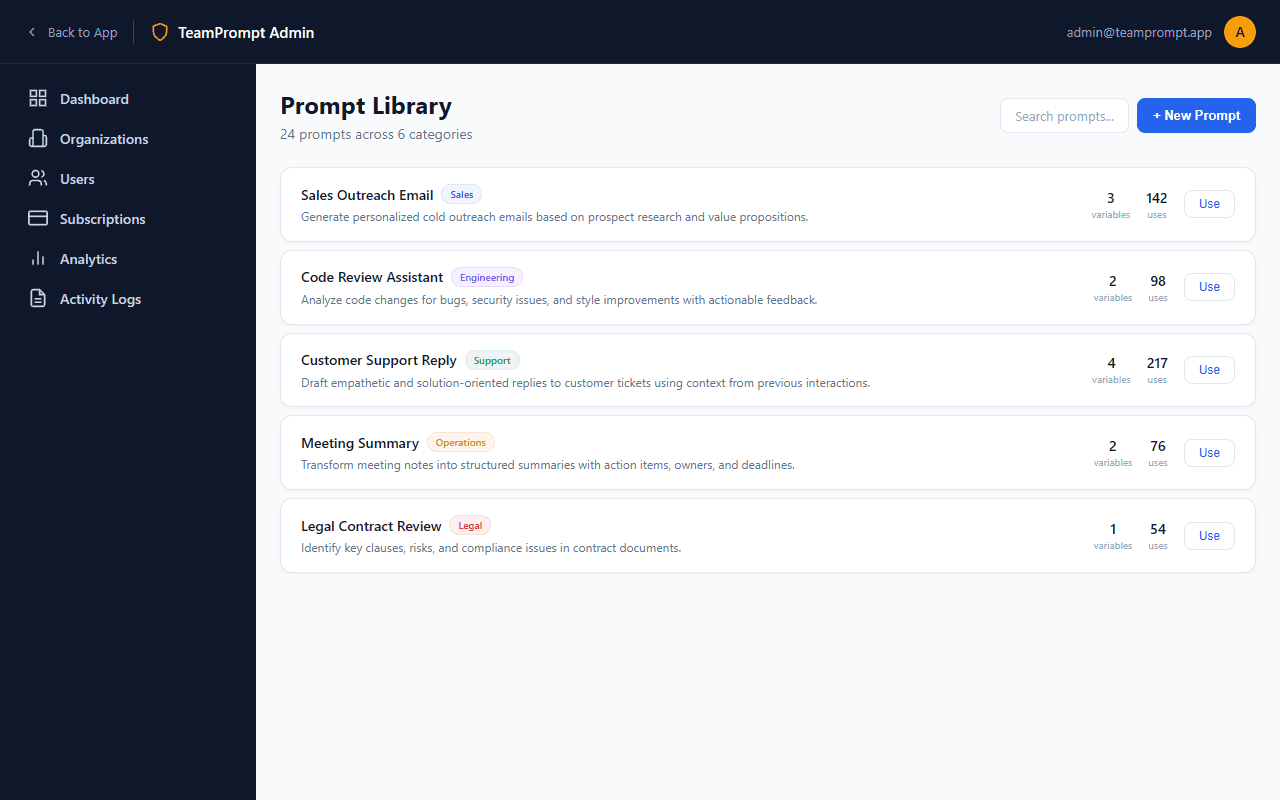
Store-ready assets, screenshots, and listing copy for Chrome Web Store, Firefox Add-ons, and Edge Add-ons submissions.
Chrome Web Store
Category: Productivity
- ✓Store Icon128 x 128 PNGRequired
- ✓Small Promo Tile440 x 280 PNGRequired
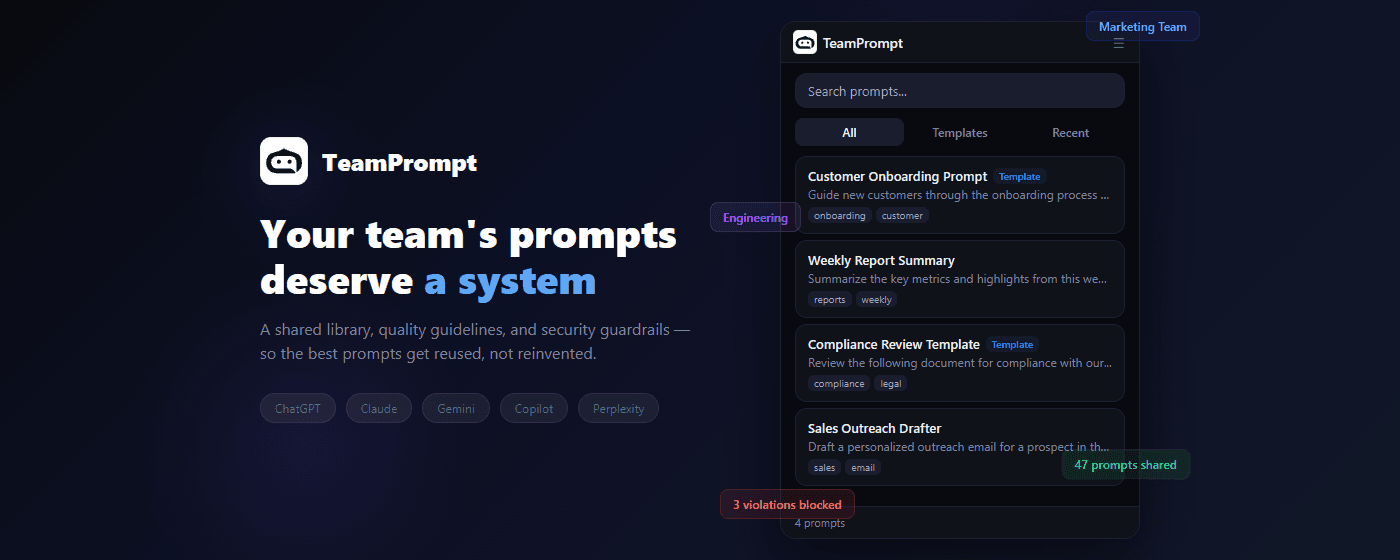
- ○Marquee Promo1400 x 560 PNGOptional
- ✓Screenshots1280 x 800 PNGMin 1, max 5Required
Firefox Add-ons
Category: Productivity > Workflow & Planning
- ✓Extension Icon128 x 128 PNGRequired
- ○Screenshots1280 x 800 (recommended) PNG/JPEGOptional, no hard limitOptional
Edge Add-ons
Category: Productivity
- ✓Store Logo300 x 300 PNGRequired
- ○Small Promo Tile440 x 280 PNGOptional
- ○Large Promo1400 x 560 PNGOptional
- ✓Screenshots1280 x 800 or 640 x 480 PNG/JPEGMin 1, max 10Required
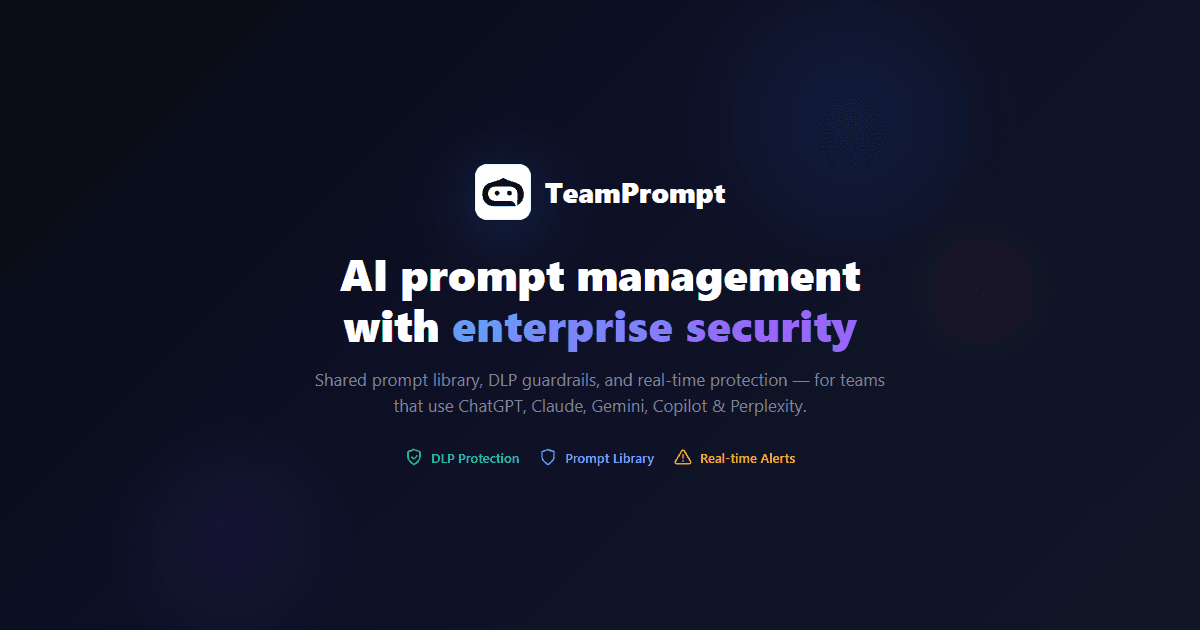
Store Icons


Promotional Images
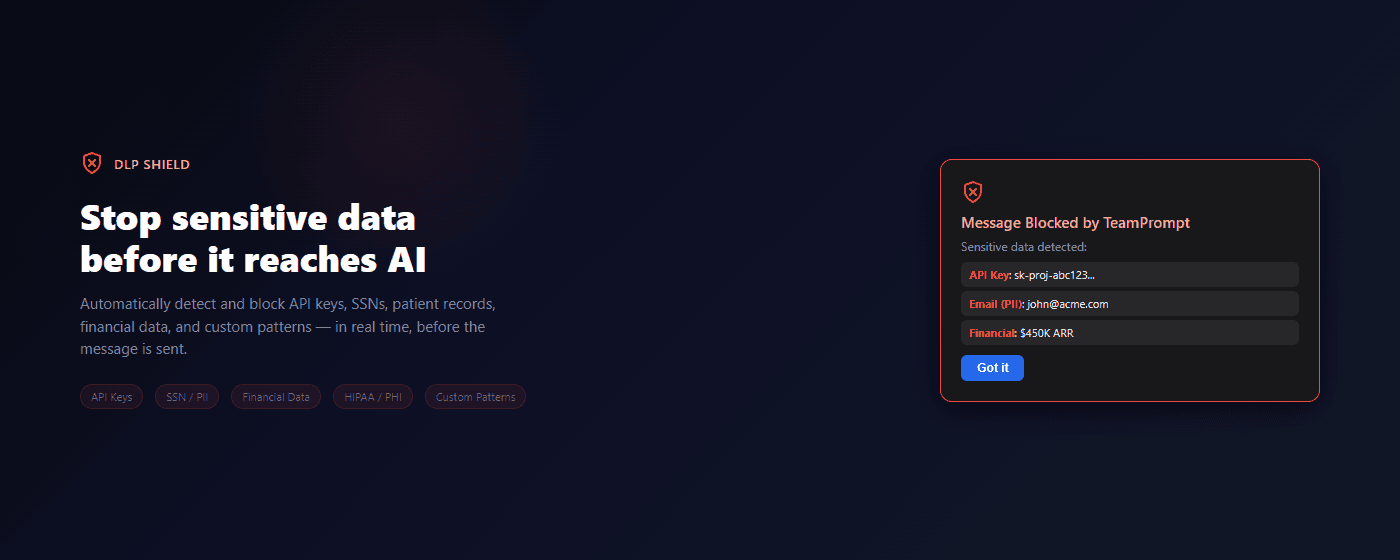
Chrome Web Store Screenshots
Clean, Loom-style marketing screenshots — one bold headline per slide with a large product mockup. Recommended for Chrome Web Store (max 5). Three color palettes to choose from.
Palette A — Ocean
Your team's AI prompt library
Browse, search, and share approved prompts across your entire organization
Workspace
Intelligence
8
Prompts
142
Uses
7
Shared
1
Guidelines
Customer Onboarding Email
marketing, email, outreach
Code Review Feedback
{} TemplateReview code and provide constructive fe...
Weekly Status Update
{} TemplateSummarize progress this week in a clear...
Sales Outreach Drafter
sales, outreach
Shared with 8 teams
Organization-wide
142 prompts
Used this month
Prompt Library
1280 × 800 px
Protect sensitive information in AI chats
Automatically catch Social Security numbers, financial data, patient records, and more before they reach AI tools
Protected
17 active rules monitoring
15
Blocked
0
Warned
15
This Week
Recent Activity
Always-on protection
Real-time scanning
15 risks caught
This week
Data Protection
1280 × 800 px
Insert prompts in one click
Works right inside ChatGPT, Claude, Gemini, Copilot, and Perplexity
Code Review Feedback
Get thorough, constructive code review feedback f...
Weekly Status Update
A template for writing weekly status updates...
One-click insert
Into any AI tool
5 AI tools
Connected
One-Click Insert
1280 × 800 px
Track how your team uses AI
Usage analytics, prompt adoption, and team insights — all in one dashboard
Workspace
Intelligence
142
Total Prompts
89
Total Uses
4.2
Avg Rating
12
This Week
Week Trend
↗+8%
Members
👥5
Templates
{}6
Blocks
🛡15
Daily Usage — Last 30 Days
Top Prompts
Usage by Member
+23% adoption
Team-wide
89 uses
This month
Analytics
1280 × 800 px
Works with every AI tool
One extension for ChatGPT, Claude, Gemini, Microsoft Copilot, and Perplexity
Code Review Feedback
Get thorough, constructive code review feedback f...
Weekly Status Update
A template for writing weekly status updates...
DLP active
On every tool
5 AI tools
One extension
Multi-AI Support
1280 × 800 px
Palette B — Sunset
Your team's AI prompt library
Browse, search, and share approved prompts across your entire organization
Workspace
Intelligence
8
Prompts
142
Uses
7
Shared
1
Guidelines
Customer Onboarding Email
marketing, email, outreach
Code Review Feedback
{} TemplateReview code and provide constructive fe...
Weekly Status Update
{} TemplateSummarize progress this week in a clear...
Sales Outreach Drafter
sales, outreach
Shared with 8 teams
Organization-wide
142 prompts
Used this month
Prompt Library
1280 × 800 px
Protect sensitive information in AI chats
Automatically catch Social Security numbers, financial data, patient records, and more before they reach AI tools
Protected
17 active rules monitoring
15
Blocked
0
Warned
15
This Week
Recent Activity
Always-on protection
Real-time scanning
15 risks caught
This week
Data Protection
1280 × 800 px
Insert prompts in one click
Works right inside ChatGPT, Claude, Gemini, Copilot, and Perplexity
Code Review Feedback
Get thorough, constructive code review feedback f...
Weekly Status Update
A template for writing weekly status updates...
One-click insert
Into any AI tool
5 AI tools
Connected
One-Click Insert
1280 × 800 px
Track how your team uses AI
Usage analytics, prompt adoption, and team insights — all in one dashboard
Workspace
Intelligence
142
Total Prompts
89
Total Uses
4.2
Avg Rating
12
This Week
Week Trend
↗+8%
Members
👥5
Templates
{}6
Blocks
🛡15
Daily Usage — Last 30 Days
Top Prompts
Usage by Member
+23% adoption
Team-wide
89 uses
This month
Analytics
1280 × 800 px
Works with every AI tool
One extension for ChatGPT, Claude, Gemini, Microsoft Copilot, and Perplexity
Code Review Feedback
Get thorough, constructive code review feedback f...
Weekly Status Update
A template for writing weekly status updates...
DLP active
On every tool
5 AI tools
One extension
Multi-AI Support
1280 × 800 px
Palette C — Midnight
Your team's AI prompt library
Browse, search, and share approved prompts across your entire organization
Workspace
Intelligence
8
Prompts
142
Uses
7
Shared
1
Guidelines
Customer Onboarding Email
marketing, email, outreach
Code Review Feedback
{} TemplateReview code and provide constructive fe...
Weekly Status Update
{} TemplateSummarize progress this week in a clear...
Sales Outreach Drafter
sales, outreach
Shared with 8 teams
Organization-wide
142 prompts
Used this month
Prompt Library
1280 × 800 px
Protect sensitive information in AI chats
Automatically catch Social Security numbers, financial data, patient records, and more before they reach AI tools
Protected
17 active rules monitoring
15
Blocked
0
Warned
15
This Week
Recent Activity
Always-on protection
Real-time scanning
15 risks caught
This week
Data Protection
1280 × 800 px
Insert prompts in one click
Works right inside ChatGPT, Claude, Gemini, Copilot, and Perplexity
Code Review Feedback
Get thorough, constructive code review feedback f...
Weekly Status Update
A template for writing weekly status updates...
One-click insert
Into any AI tool
5 AI tools
Connected
One-Click Insert
1280 × 800 px
Track how your team uses AI
Usage analytics, prompt adoption, and team insights — all in one dashboard
Workspace
Intelligence
142
Total Prompts
89
Total Uses
4.2
Avg Rating
12
This Week
Week Trend
↗+8%
Members
👥5
Templates
{}6
Blocks
🛡15
Daily Usage — Last 30 Days
Top Prompts
Usage by Member
+23% adoption
Team-wide
89 uses
This month
Analytics
1280 × 800 px
Works with every AI tool
One extension for ChatGPT, Claude, Gemini, Microsoft Copilot, and Perplexity
Code Review Feedback
Get thorough, constructive code review feedback f...
Weekly Status Update
A template for writing weekly status updates...
DLP active
On every tool
5 AI tools
One extension
Multi-AI Support
1280 × 800 px
Palette D — Professional (Light)
White background with subtle accent glow and dot pattern. Inspired by Loom & Viitor Translate.
Your team's AI prompt library
Browse, search, and share approved prompts across your entire organization
Workspace
Intelligence
8
Prompts
142
Uses
7
Shared
1
Guidelines
Customer Onboarding Email
marketing, email, outreach
Code Review Feedback
{} TemplateReview code and provide constructive fe...
Weekly Status Update
{} TemplateSummarize progress this week in a clear...
Sales Outreach Drafter
sales, outreach
Prompt Library
1280 × 800 px
Protect sensitive information in AI chats
Automatically catch Social Security numbers, financial data, patient records, and more before they reach AI tools
Protected
17 active rules monitoring
15
Blocked
0
Warned
15
This Week
Recent Activity
Data Protection
1280 × 800 px
Insert prompts in one click
Works right inside ChatGPT, Claude, Gemini, Copilot, and Perplexity
Code Review Feedback
Get thorough, constructive code review feedback f...
Weekly Status Update
A template for writing weekly status updates...
One-Click Insert
1280 × 800 px
Track how your team uses AI
Usage analytics, prompt adoption, and team insights — all in one dashboard
Workspace
Intelligence
142
Total Prompts
89
Total Uses
4.2
Avg Rating
12
This Week
Week Trend
↗+8%
Members
👥5
Templates
{}6
Blocks
🛡15
Daily Usage — Last 30 Days
Top Prompts
Usage by Member
Analytics
1280 × 800 px
Works with every AI tool
One extension for ChatGPT, Claude, Gemini, Microsoft Copilot, and Perplexity
Code Review Feedback
Get thorough, constructive code review feedback f...
Weekly Status Update
A template for writing weekly status updates...
Multi-AI Support
1280 × 800 px
Palette E — Professional (All Blue)
Your team's AI prompt library
Browse, search, and share approved prompts across your entire organization
Workspace
Intelligence
8
Prompts
142
Uses
7
Shared
1
Guidelines
Customer Onboarding Email
marketing, email, outreach
Code Review Feedback
{} TemplateReview code and provide constructive fe...
Weekly Status Update
{} TemplateSummarize progress this week in a clear...
Sales Outreach Drafter
sales, outreach
Prompt Library
1280 × 800 px
Protect sensitive information in AI chats
Automatically catch Social Security numbers, financial data, patient records, and more before they reach AI tools
Protected
17 active rules monitoring
15
Blocked
0
Warned
15
This Week
Recent Activity
Data Protection
1280 × 800 px
Insert prompts in one click
Works right inside ChatGPT, Claude, Gemini, Copilot, and Perplexity
Code Review Feedback
Get thorough, constructive code review feedback f...
Weekly Status Update
A template for writing weekly status updates...
One-Click Insert
1280 × 800 px
Track how your team uses AI
Usage analytics, prompt adoption, and team insights — all in one dashboard
Workspace
Intelligence
142
Total Prompts
89
Total Uses
4.2
Avg Rating
12
This Week
Week Trend
↗+8%
Members
👥5
Templates
{}6
Blocks
🛡15
Daily Usage — Last 30 Days
Top Prompts
Usage by Member
Analytics
1280 × 800 px
Works with every AI tool
One extension for ChatGPT, Claude, Gemini, Microsoft Copilot, and Perplexity
Code Review Feedback
Get thorough, constructive code review feedback f...
Weekly Status Update
A template for writing weekly status updates...
Multi-AI Support
1280 × 800 px
Store-Ready Banners
CSS-rendered banners sized for extension stores. Each downloads at exact pixel dimensions.
Screenshots — 1280 × 800 px
AI data loss prevention for ChatGPT, Claude & AI tools
Works with ChatGPT · Claude · Gemini · Copilot · Perplexity
8
Prompts
142
Uses
7
Shared
1
Guidelines
Customer Onboarding Email
Code Review Feedback
{} TemplateWeekly Status Update
{} TemplateProtected
17 active rules monitoring
15
Blocked
0
Warned
15
This Week
Code Review Feedback
Get thorough, constructive code review feedback f...
Weekly Status Update
A template for writing weekly status updates...
Dark
1280 × 800 px
AI data loss prevention for ChatGPT, Claude & AI tools
Works with ChatGPT · Claude · Gemini · Copilot · Perplexity
8
Prompts
142
Uses
7
Shared
1
Guidelines
Customer Onboarding Email
Code Review Feedback
{} TemplateWeekly Status Update
{} TemplateProtected
17 active rules monitoring
15
Blocked
0
Warned
15
This Week
Code Review Feedback
Get thorough, constructive code review feedback f...
Weekly Status Update
A template for writing weekly status updates...
White
1280 × 800 px
Shared prompts · Data protection · Usage analytics
Works with ChatGPT · Claude · Gemini · Copilot · Perplexity
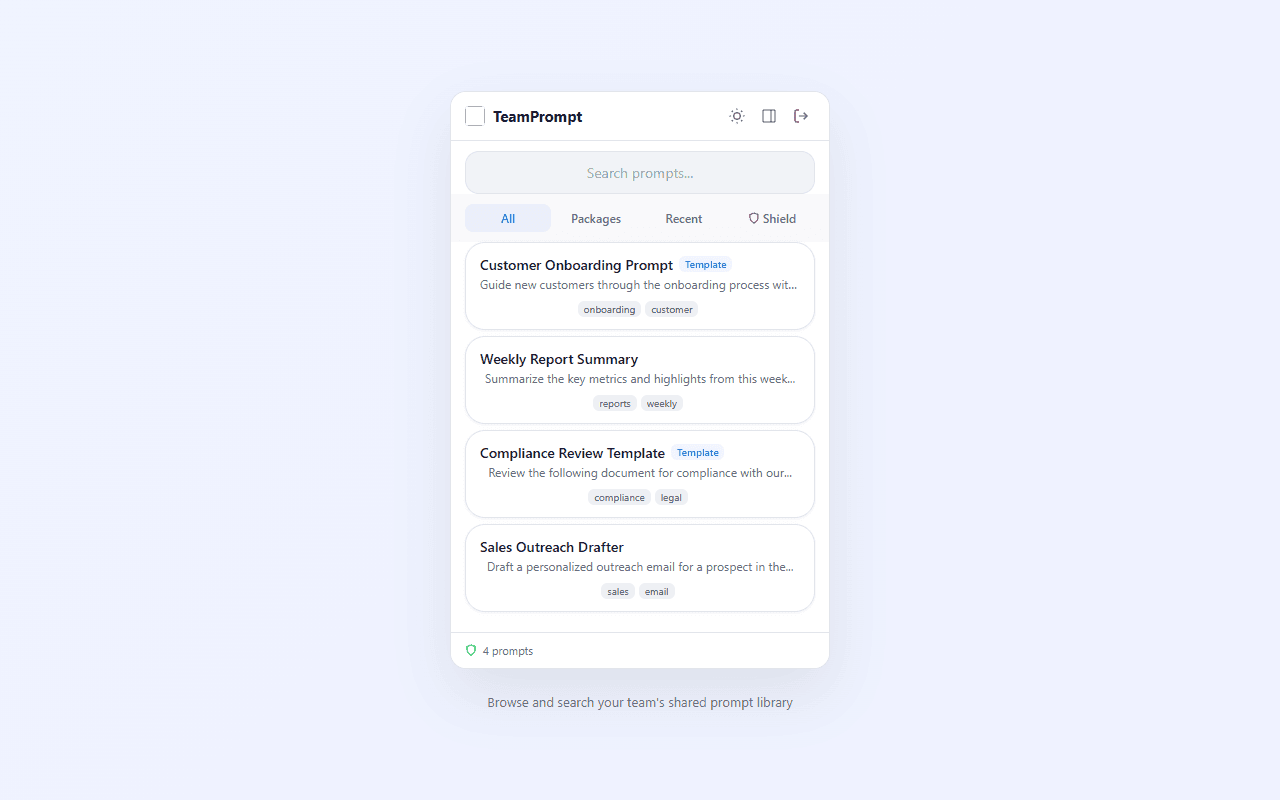
Gradient
1280 × 800 px
AI data loss prevention for ChatGPT, Claude & AI tools
Works with ChatGPT · Claude · Gemini · Copilot · Perplexity

8
Prompts
142
Uses
7
Shared
1
Guidelines
Customer Onboarding Email
Code Review Feedback
{} TemplateWeekly Status Update
{} TemplateDLP Active
Real-time scanning
Team library
Shared prompts
Lifestyle — Team + Vault
1280 × 800 px
Stop sensitive data from reaching AI tools
Works with ChatGPT · Claude · Gemini · Copilot · Perplexity

Protected
17 active rules monitoring
15
Blocked
0
Warned
15
This Week
PII detected
Auto-blocked
15 DLP rules
Active
Lifestyle — DLP Shield
1280 × 800 px
One click to insert team prompts into any AI tool
Works with ChatGPT · Claude · Gemini · Copilot · Perplexity

Code Review Feedback
Get thorough, constructive code review feedback f...
Weekly Status Update
A template for writing weekly status updates...
One-click insert
Into any AI tool
5 AI tools
Connected
Lifestyle — Insert Flow
1280 × 800 px
See how your team uses AI — usage analytics built in
Works with ChatGPT · Claude · Gemini · Copilot · Perplexity
8
Prompts
142
Uses
7
Shared
1
Guidelines
Customer Onboarding Email
Code Review Feedback
{} TemplateWeekly Status Update
{} Template142 prompts
Used this month
+23% adoption
Team-wide
Lifestyle — Analytics
1280 × 800 px
Works with ChatGPT, Claude, Gemini, Copilot & Perplexity
Works with ChatGPT · Claude · Gemini · Copilot · Perplexity

Protected
17 active rules monitoring
15
Blocked
0
Warned
15
This Week
5 AI tools
One extension
DLP active
On every tool
Lifestyle — Multi-AI
1280 × 800 px
Marquee Promo — 1400 × 560 px
Lifestyle (dark)
AI data loss prevention for ChatGPT, Claude & AI tools
Works with ChatGPT · Claude · Gemini · Copilot · Perplexity
8
Prompts
142
Uses
7
Shared
1
Guidelines
Customer Onboarding Email
Code Review Feedback
{} TemplateWeekly Status Update
{} TemplateDLP Active
Real-time scanning
Team library
Shared prompts
Team + Vault
1400 × 560 px
Stop sensitive data from reaching AI tools
Works with ChatGPT · Claude · Gemini · Copilot · Perplexity
Protected
17 active rules monitoring
15
Blocked
0
Warned
15
This Week
PII detected
Auto-blocked
15 DLP rules
Active
DLP Shield
1400 × 560 px
One click to insert team prompts into any AI tool
Works with ChatGPT · Claude · Gemini · Copilot · Perplexity
Code Review Feedback
Get thorough, constructive code review feedback f...
Weekly Status Update
A template for writing weekly status updates...
One-click insert
Into any AI tool
5 AI tools
Connected
Insert Flow
1400 × 560 px
Professional (light)
AI data loss prevention for ChatGPT, Claude & AI tools
Works with ChatGPT · Claude · Gemini · Copilot · Perplexity
8
Prompts
142
Uses
7
Shared
1
Guidelines
Customer Onboarding Email
Code Review Feedback
{} TemplateWeekly Status Update
{} TemplatePrompt Library
1400 × 560 px
Protect sensitive information before it reaches AI tools
Works with ChatGPT · Claude · Gemini · Copilot · Perplexity
Protected
17 active rules monitoring
15
Blocked
0
Warned
15
This Week
Recent Activity
Data Protection
1400 × 560 px
One click to insert team prompts into any AI tool
Works with ChatGPT · Claude · Gemini · Copilot · Perplexity
Code Review Feedback
Get thorough, constructive code review feedback f...
Weekly Status Update
A template for writing weekly status updates...
Insert Flow
1400 × 560 px
Small Promo Tile — 440 × 280 px
Lifestyle (dark)
AI DLP — detect and block sensitive data in AI tools
Protected
DLP active
Lifestyle
440 × 280 px
Professional (light)
AI prompt management & data protection for teams
Works with ChatGPT · Claude · Gemini · Copilot · Perplexity
Professional
440 × 280 px
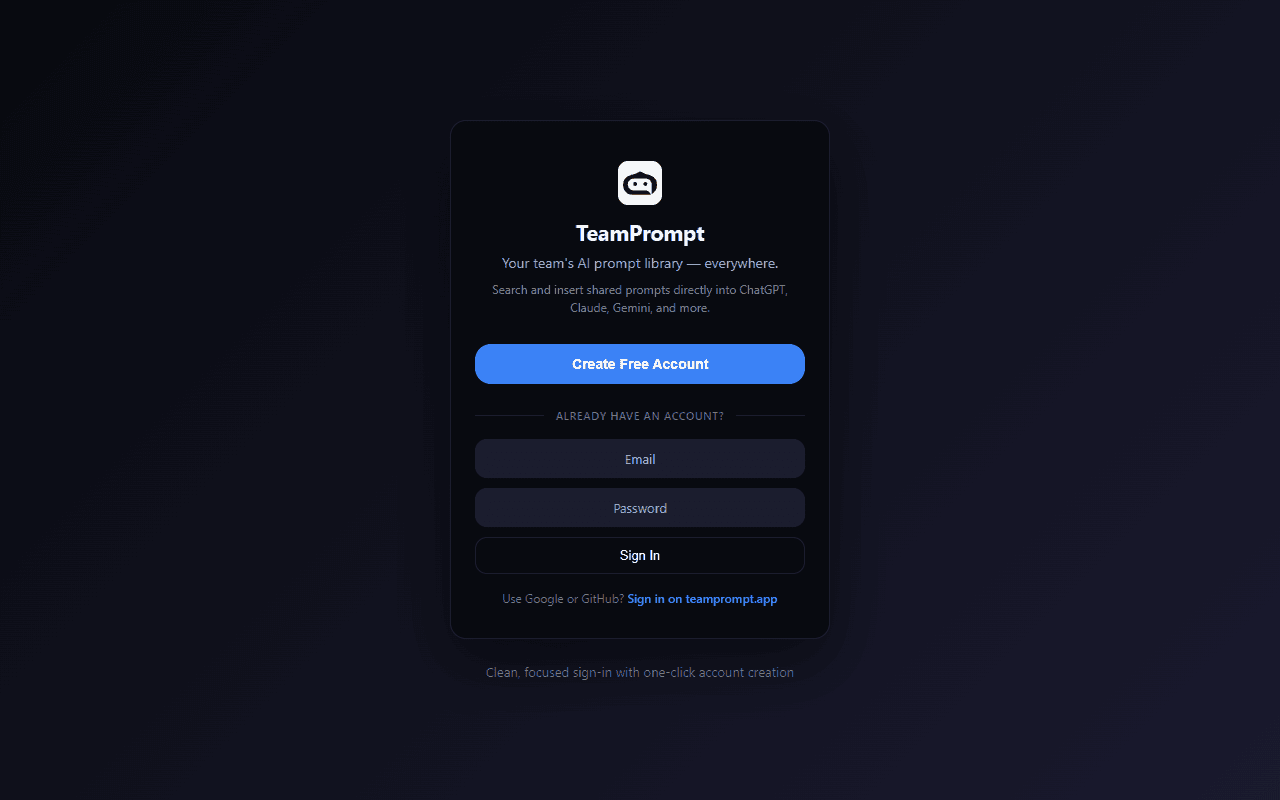
Store Screenshots
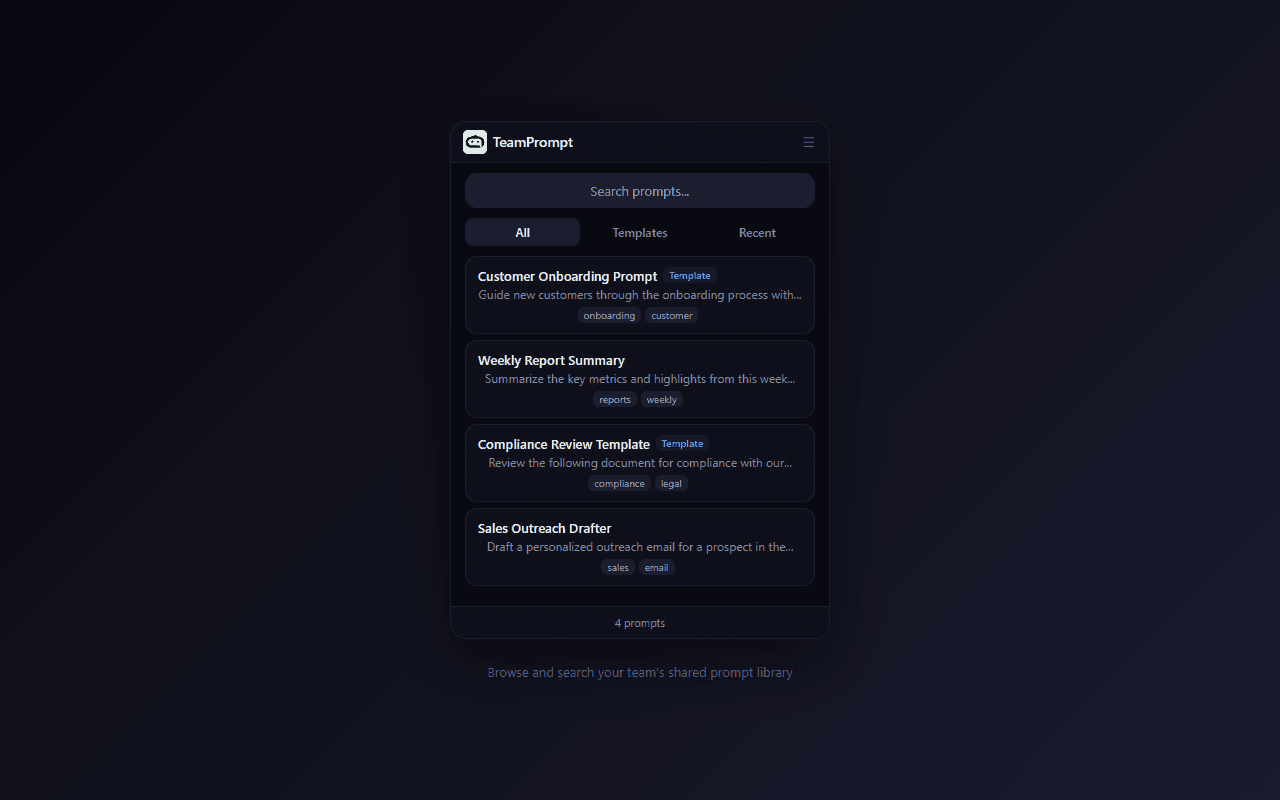
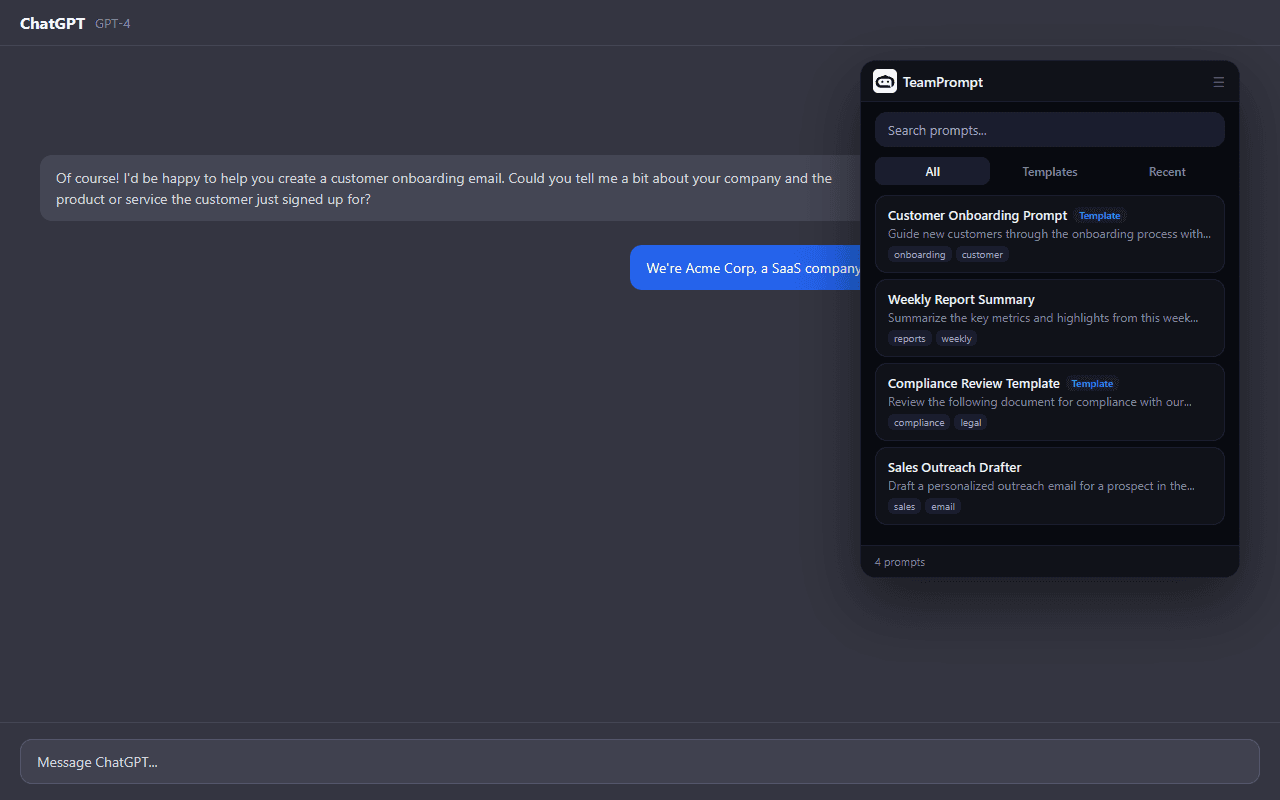
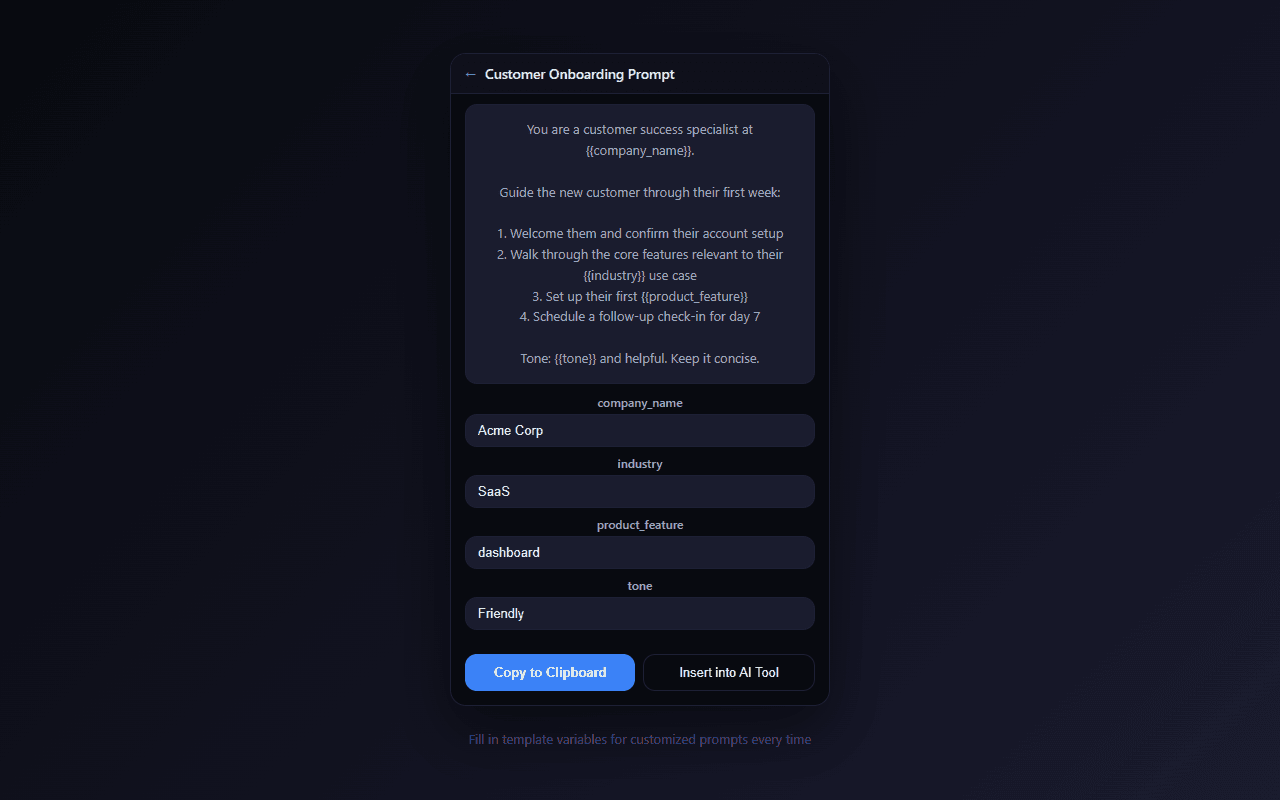
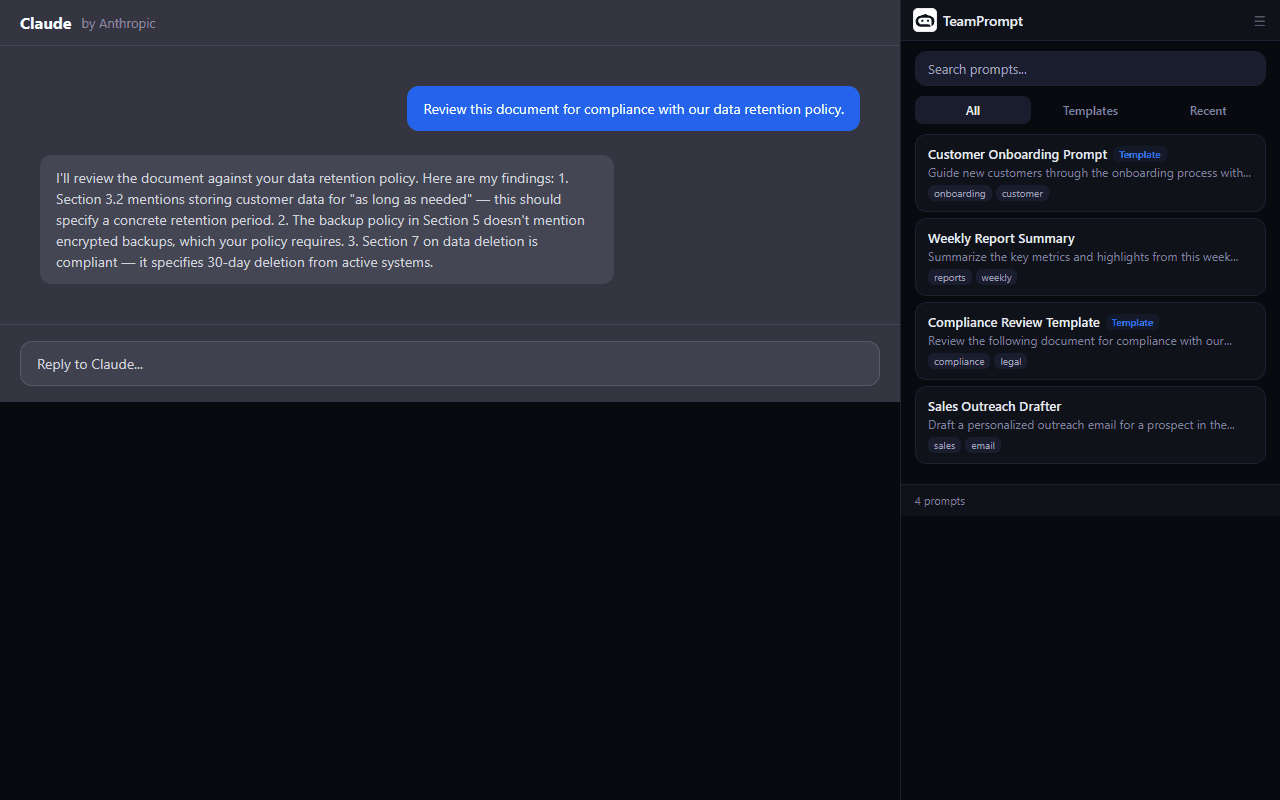
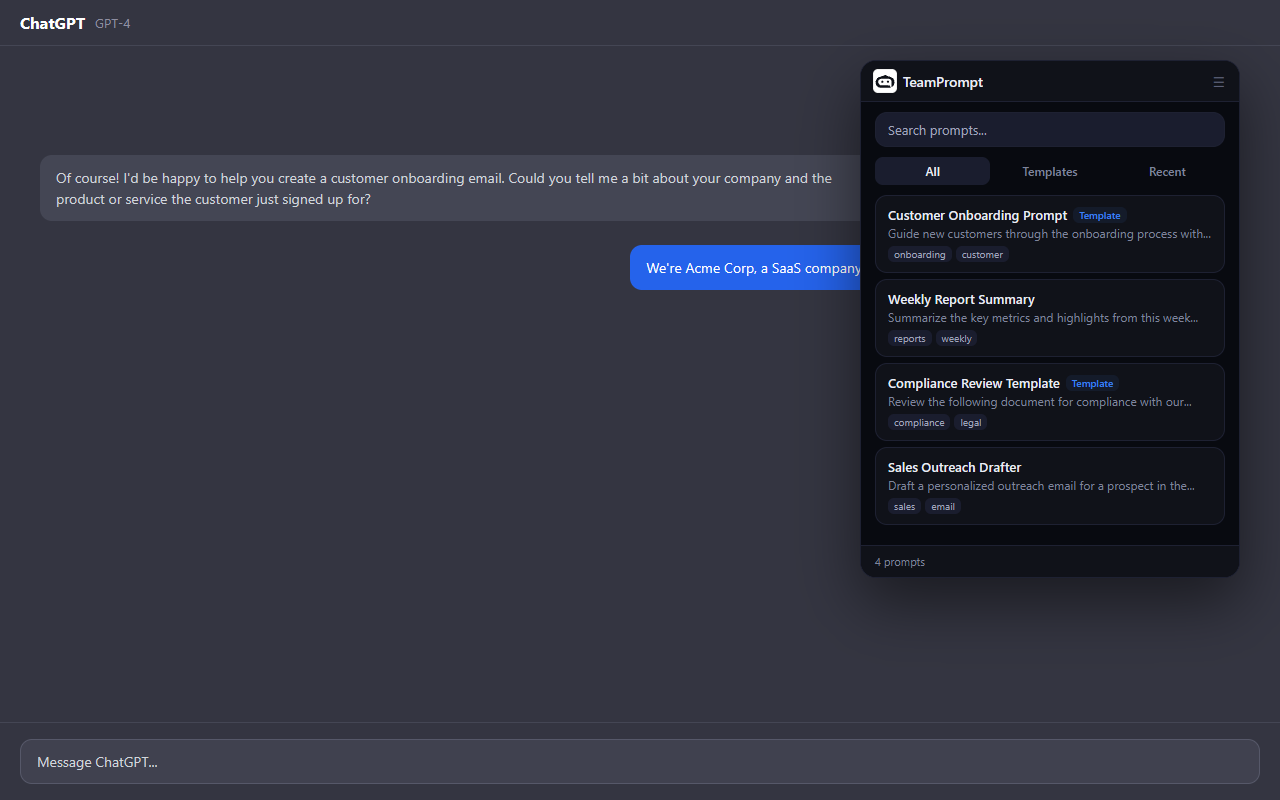
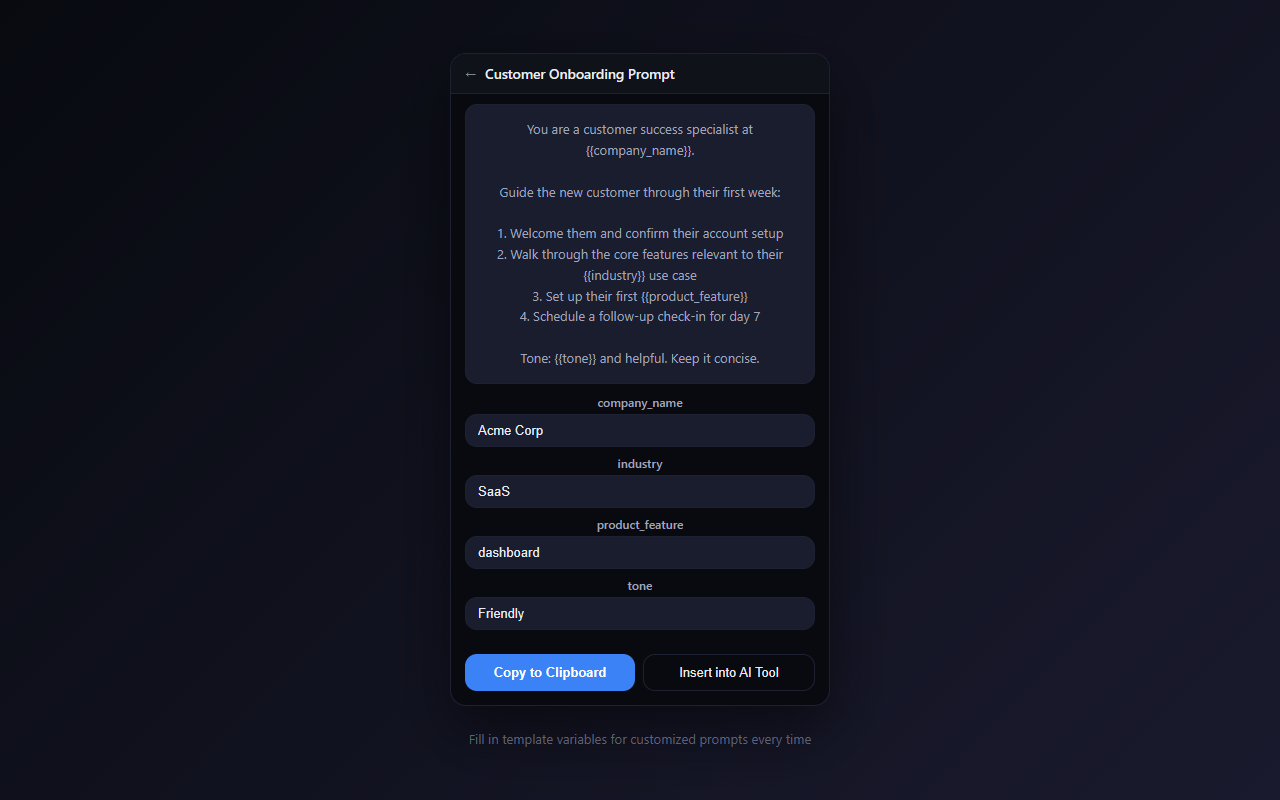
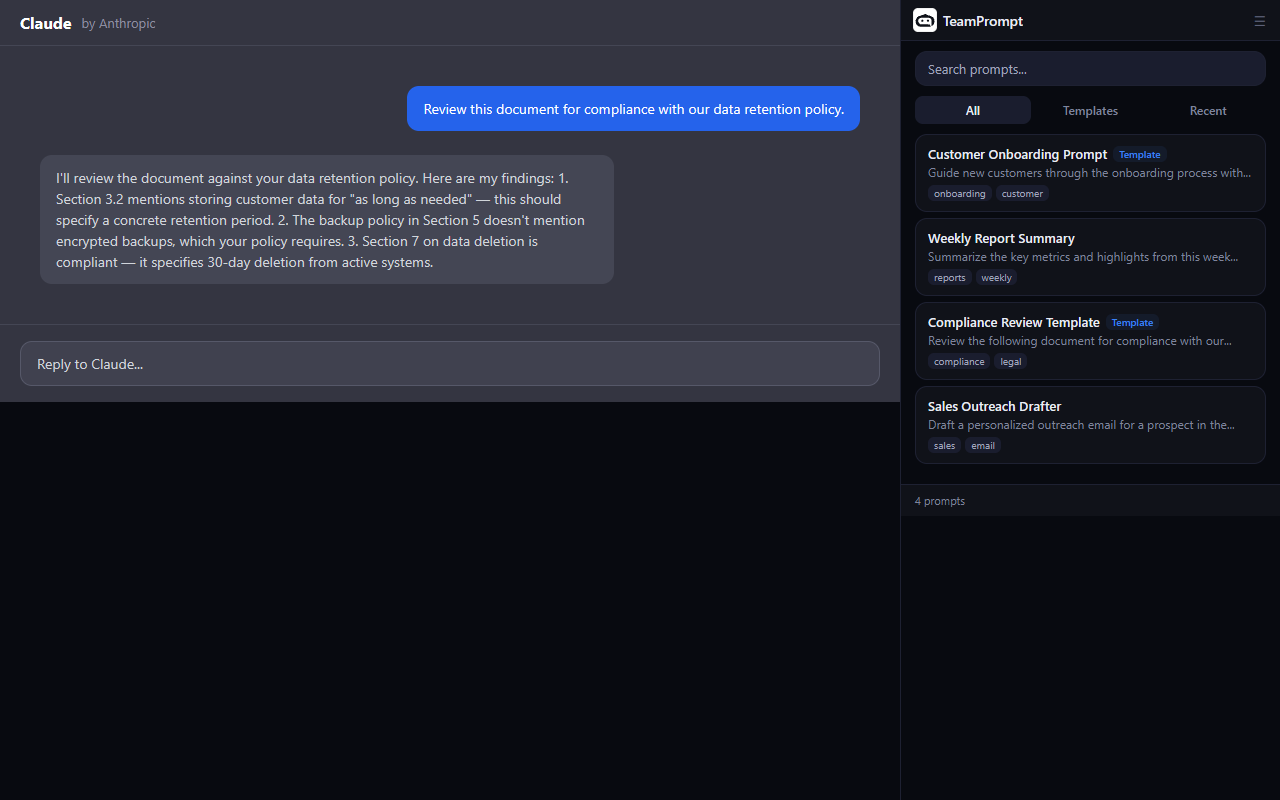
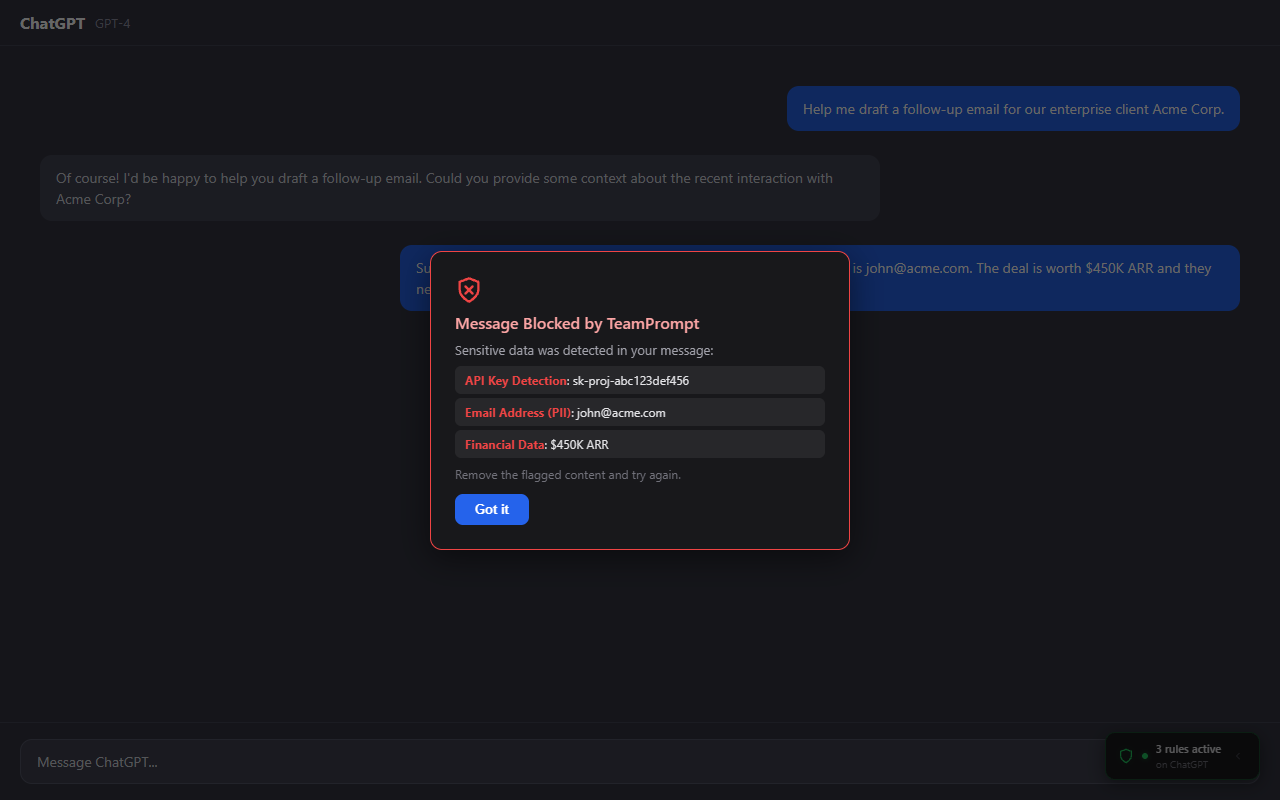
Chrome Web Store: Upload screenshots 1–5 (max 5 allowed)
Edge Add-ons: Upload screenshots 1–10 (max 10 allowed)
Firefox Add-ons: Optional — upload as many as needed, 1280 x 800 recommended
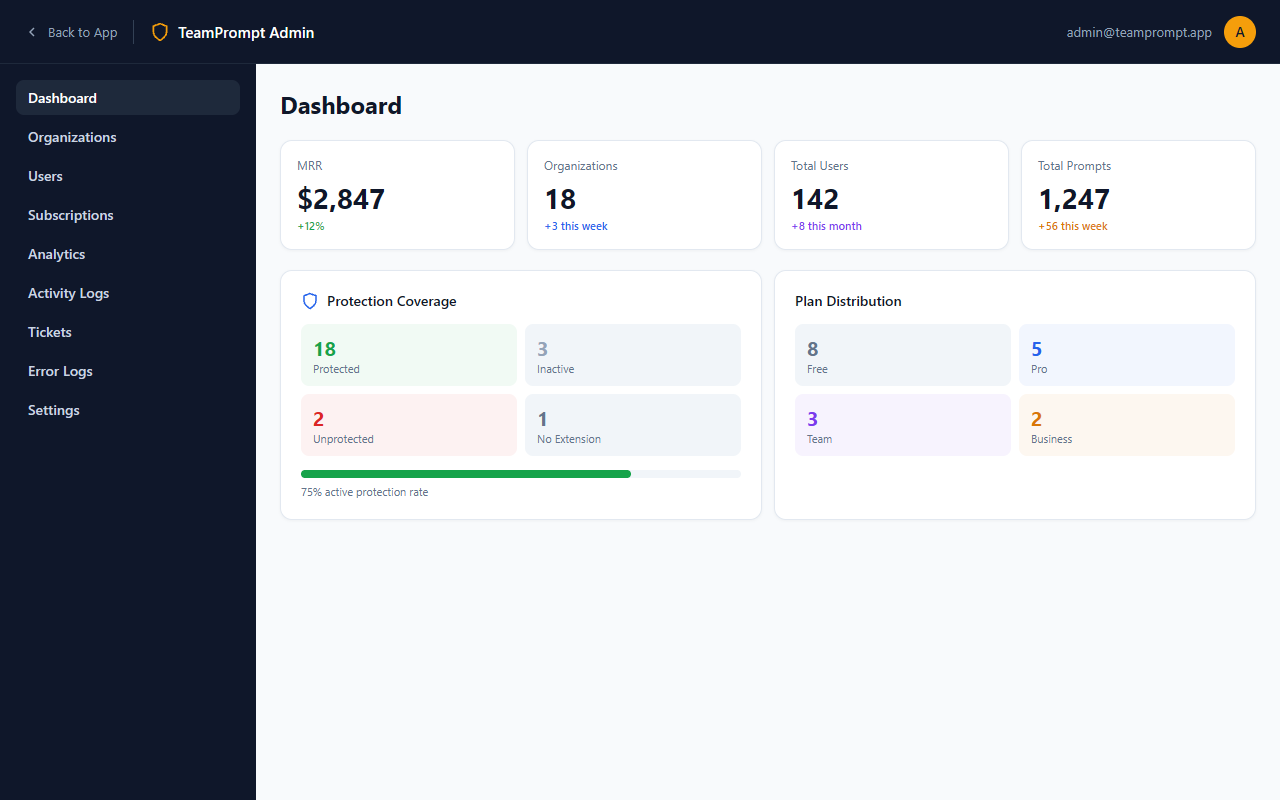
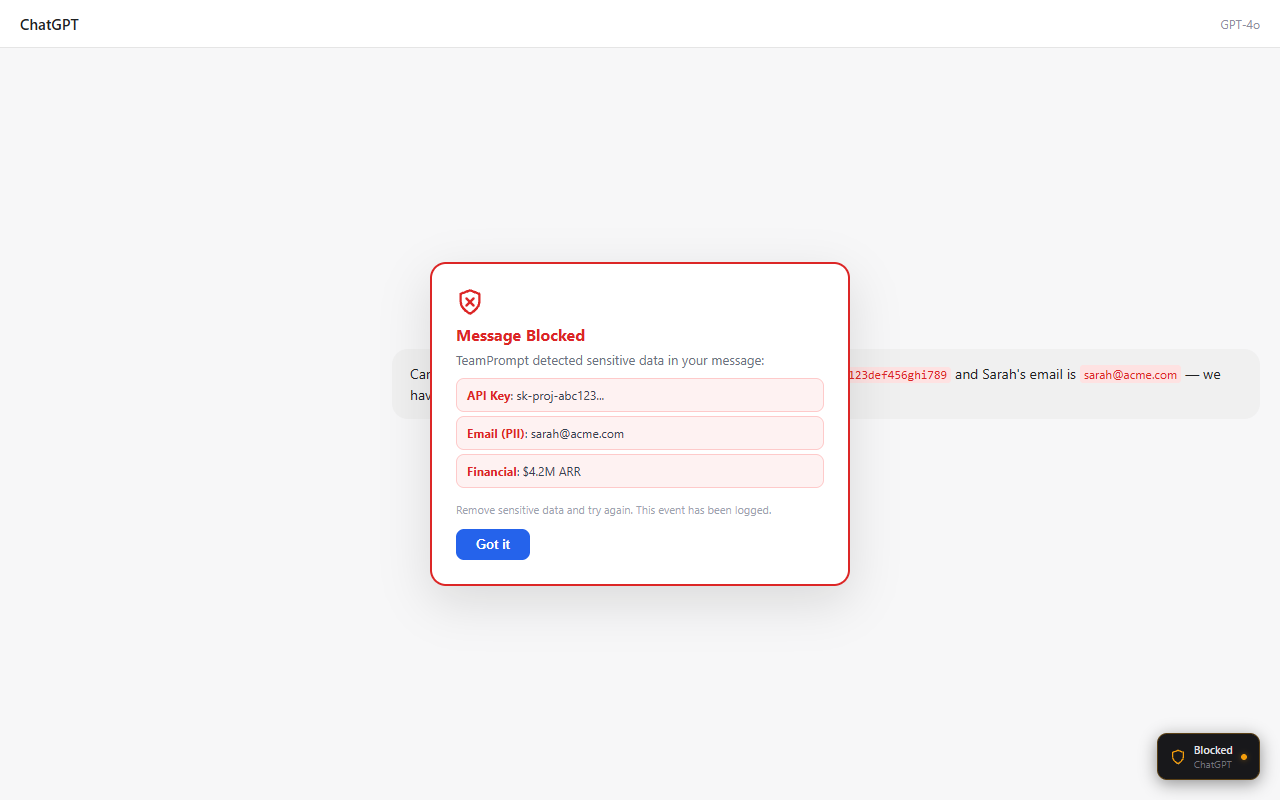
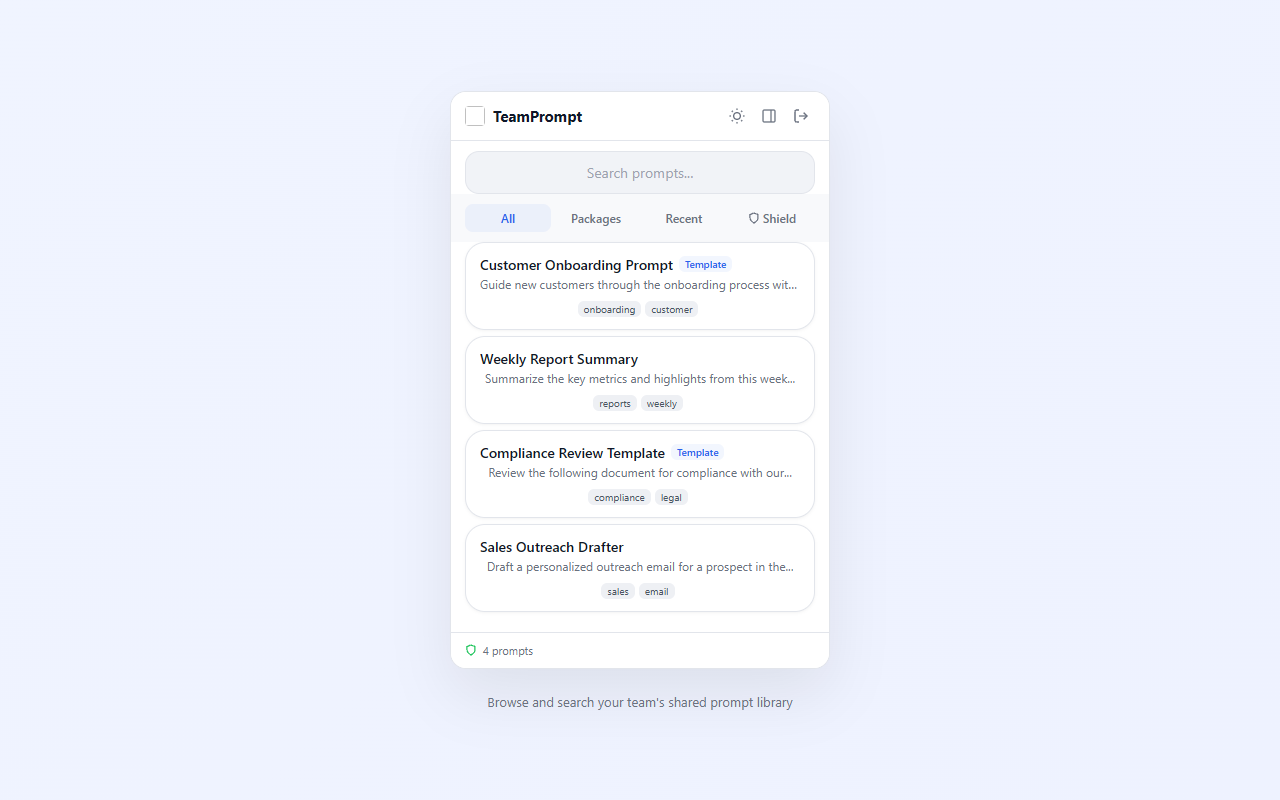
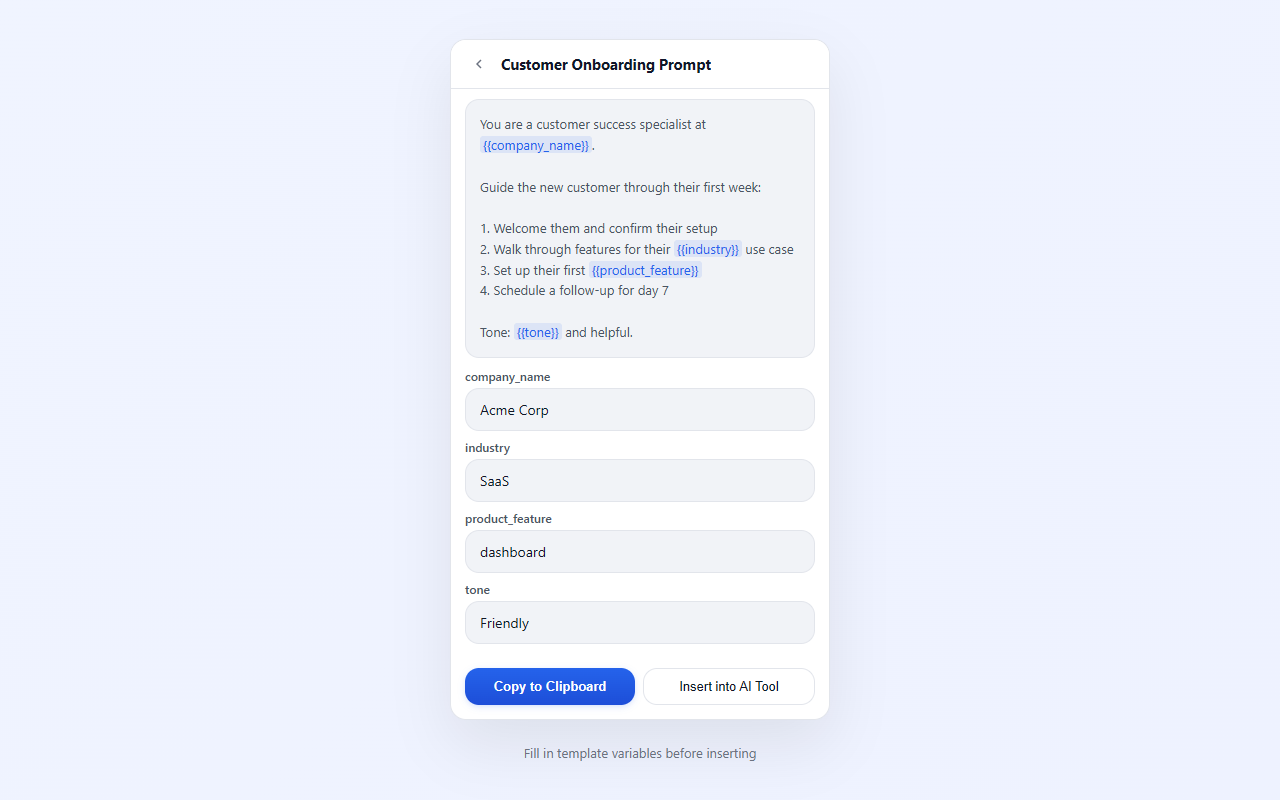
All screenshots are 1280 x 800 px PNG. Dark-mode screenshots are listed first (1–13), light-mode variants follow (14–19).
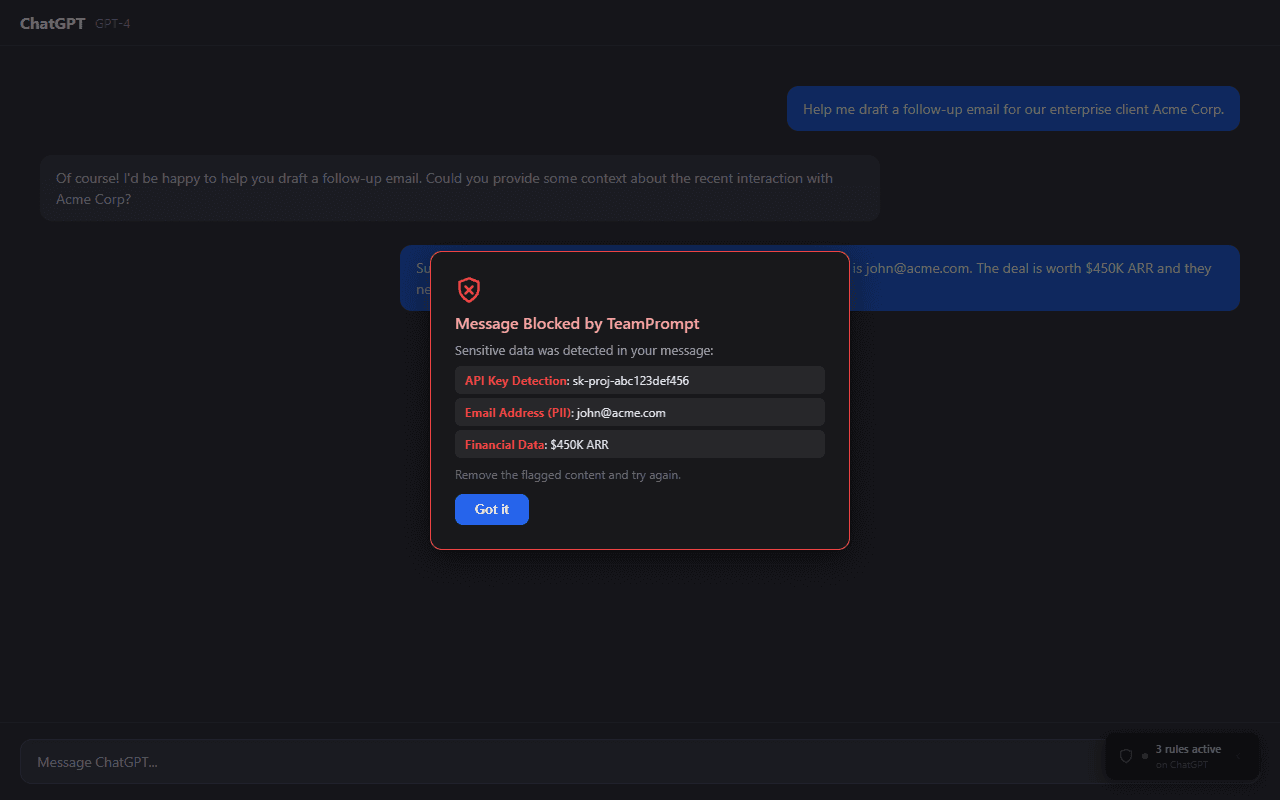
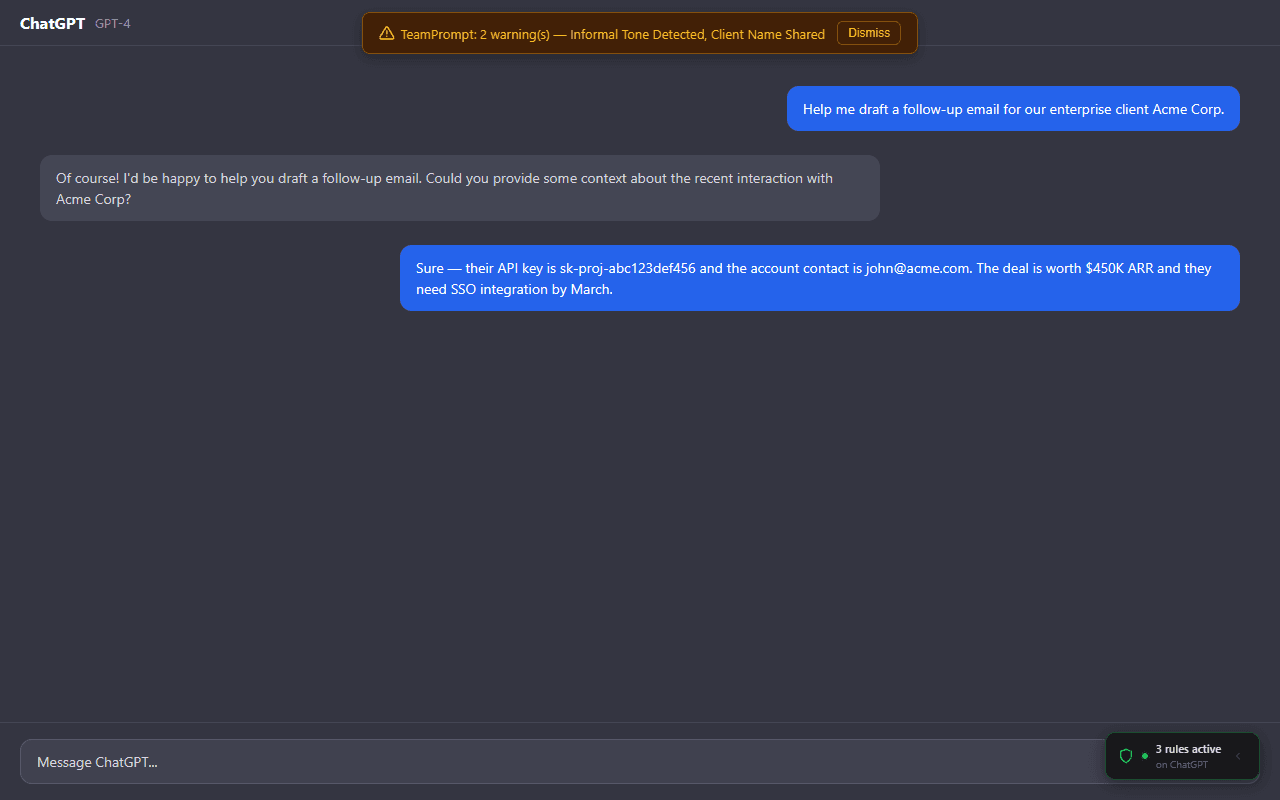
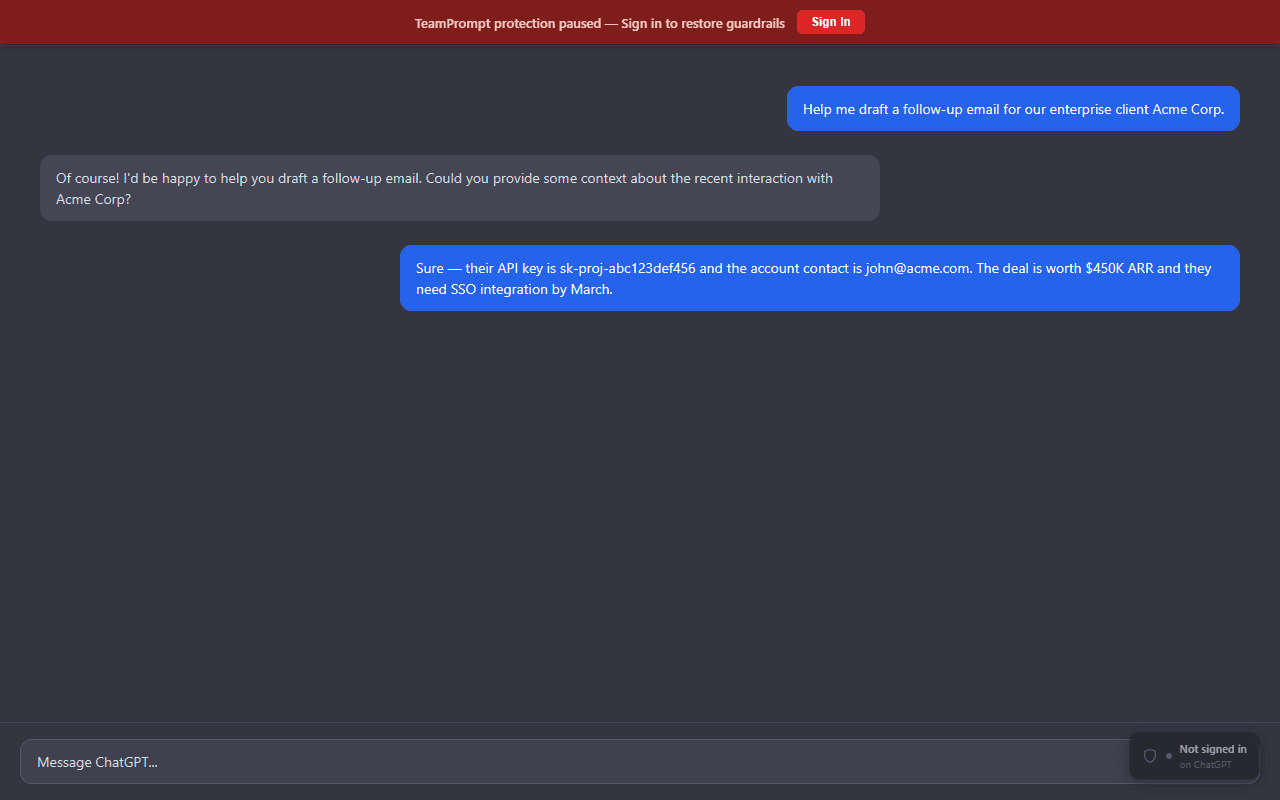
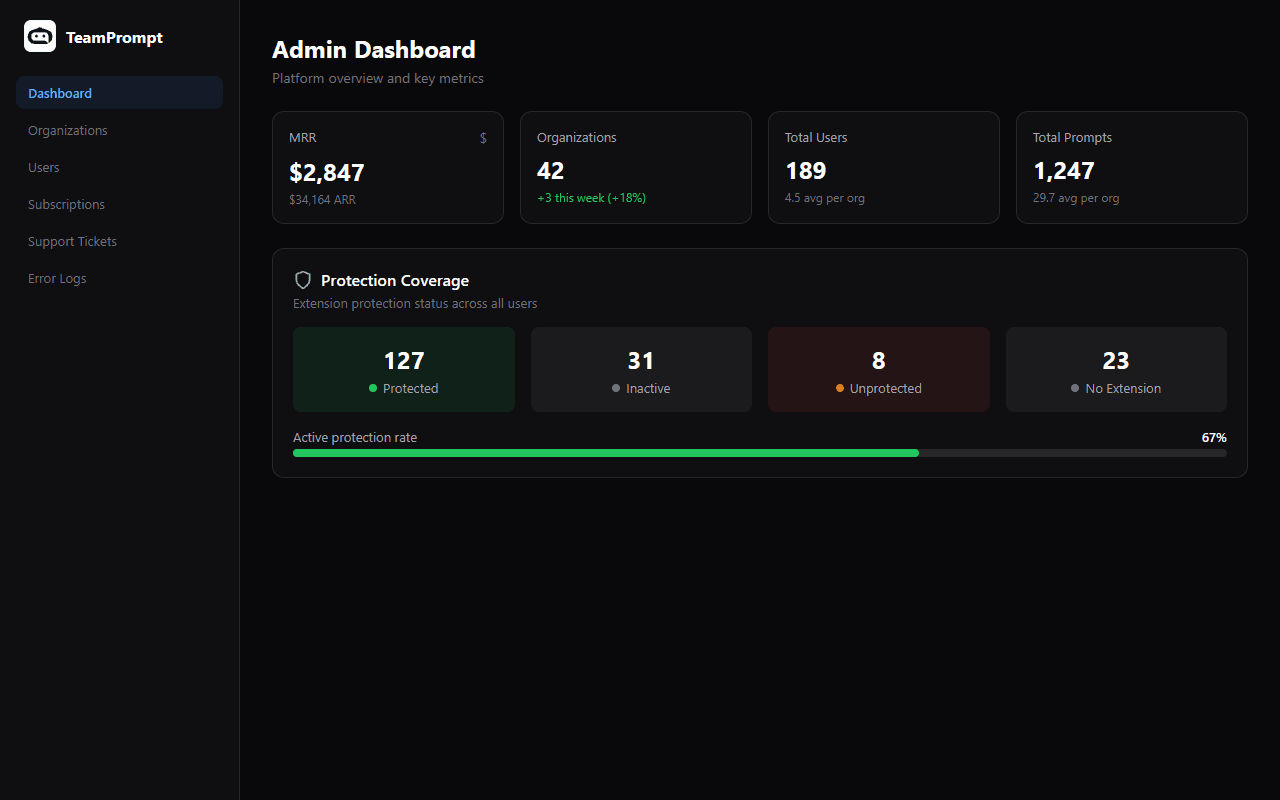
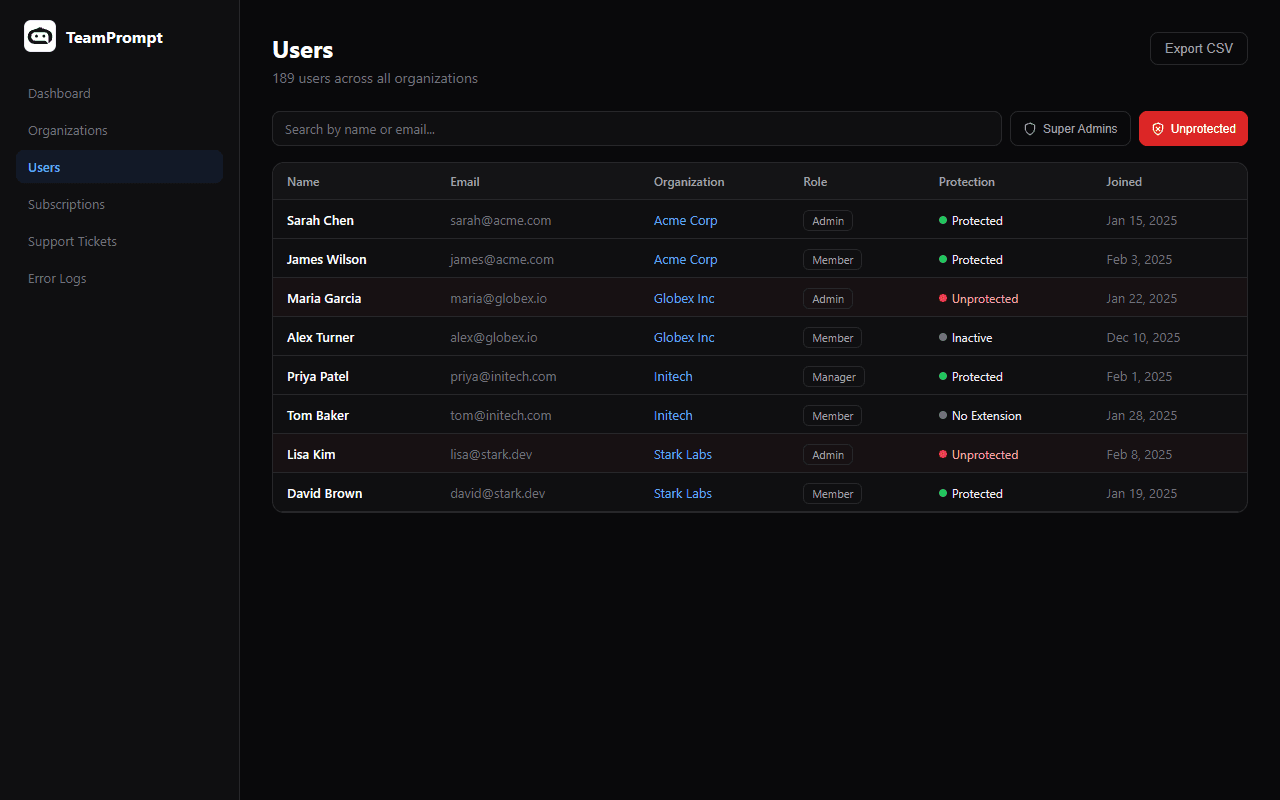
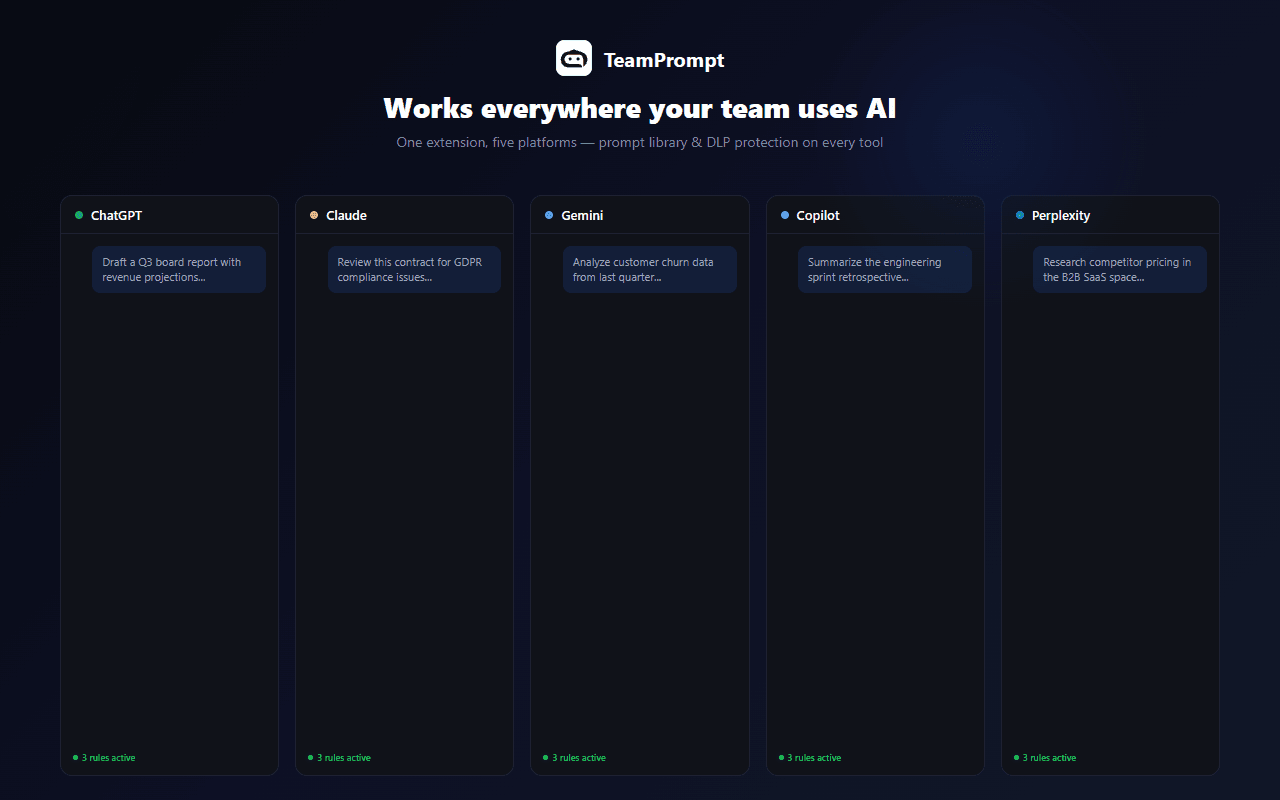
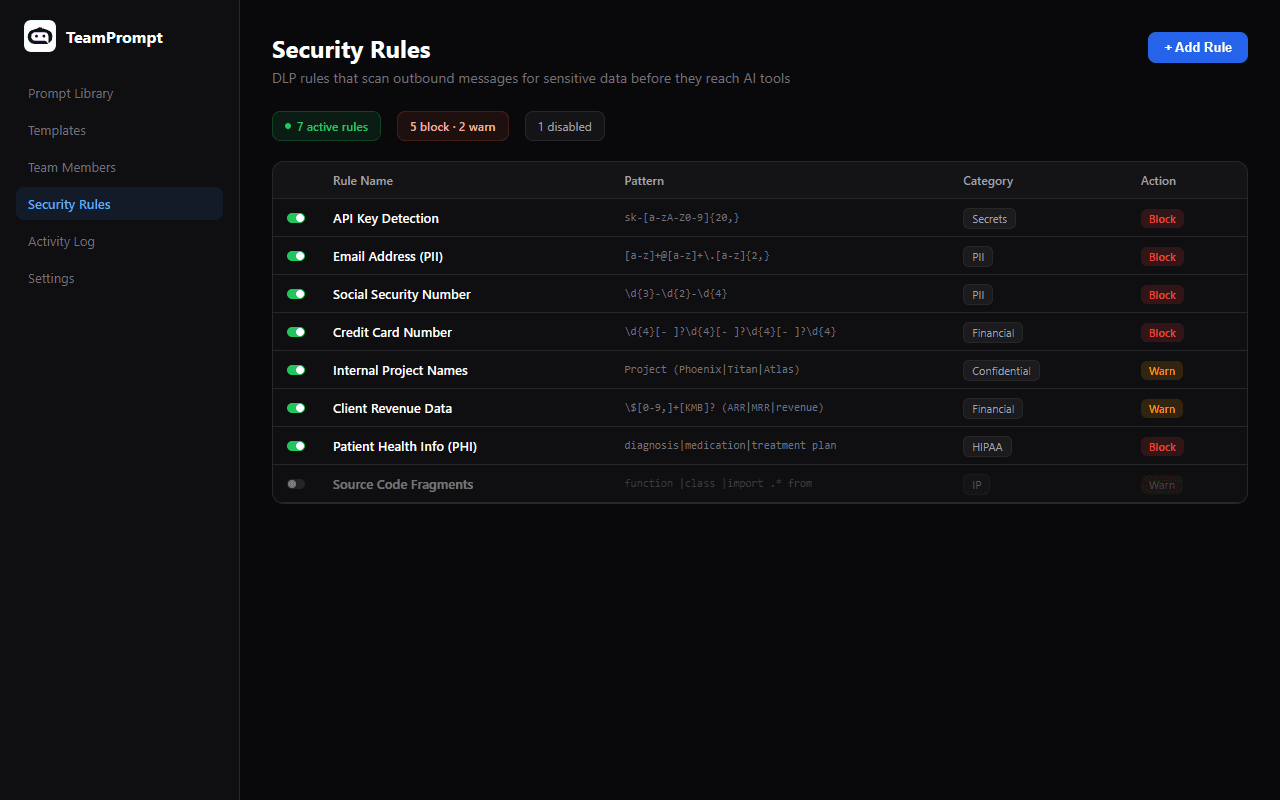
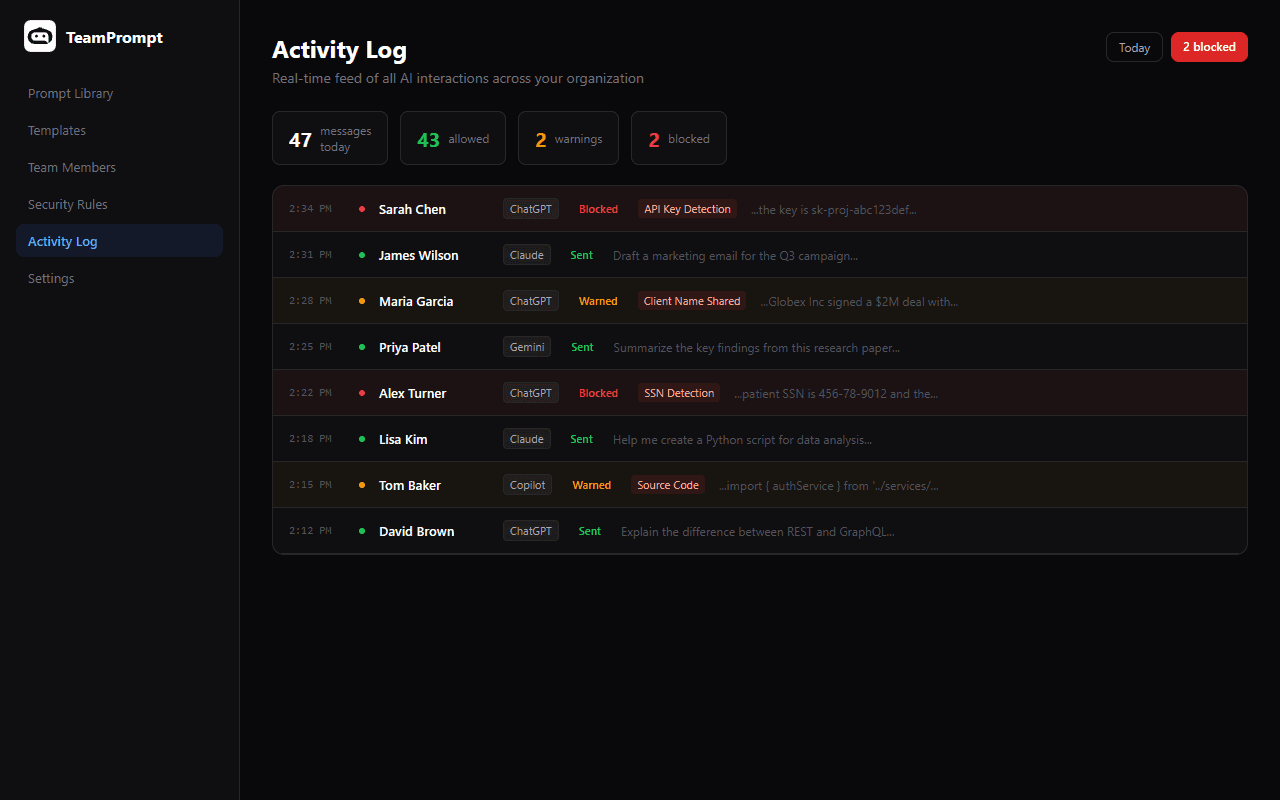
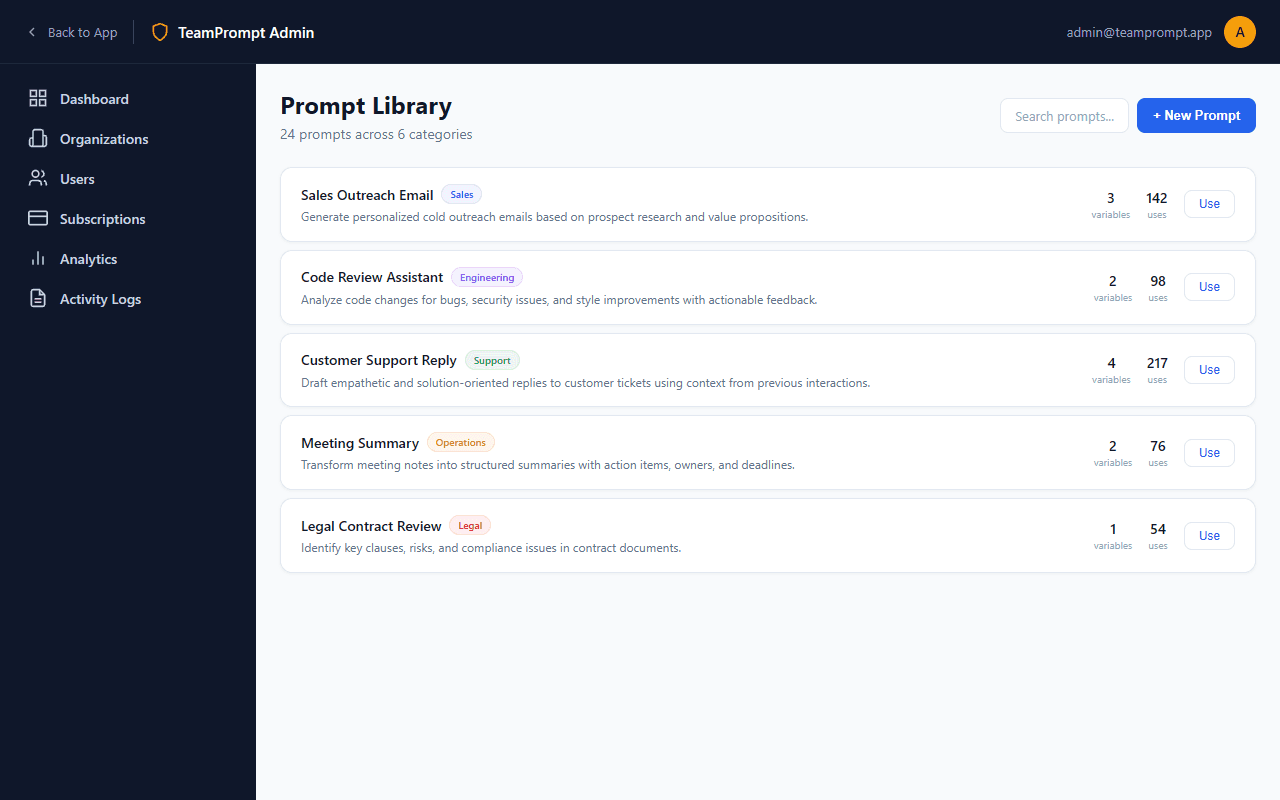
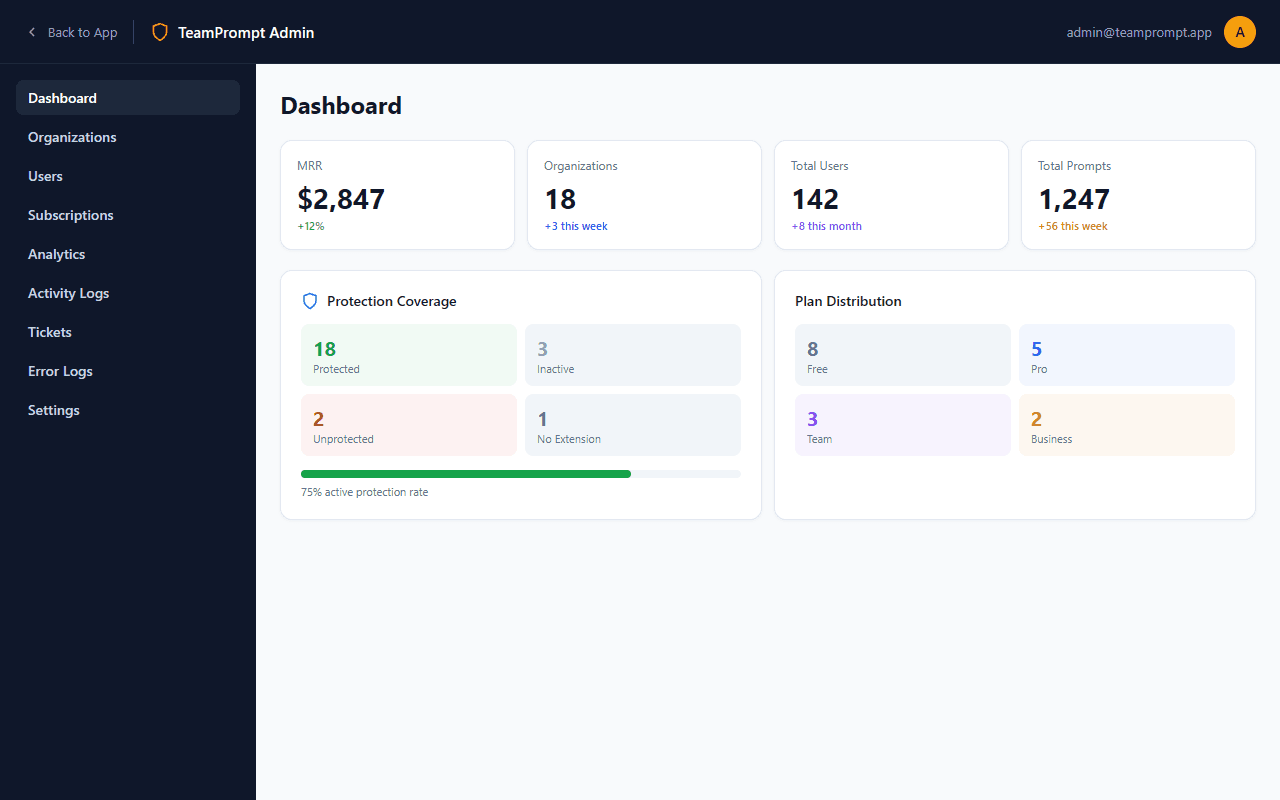
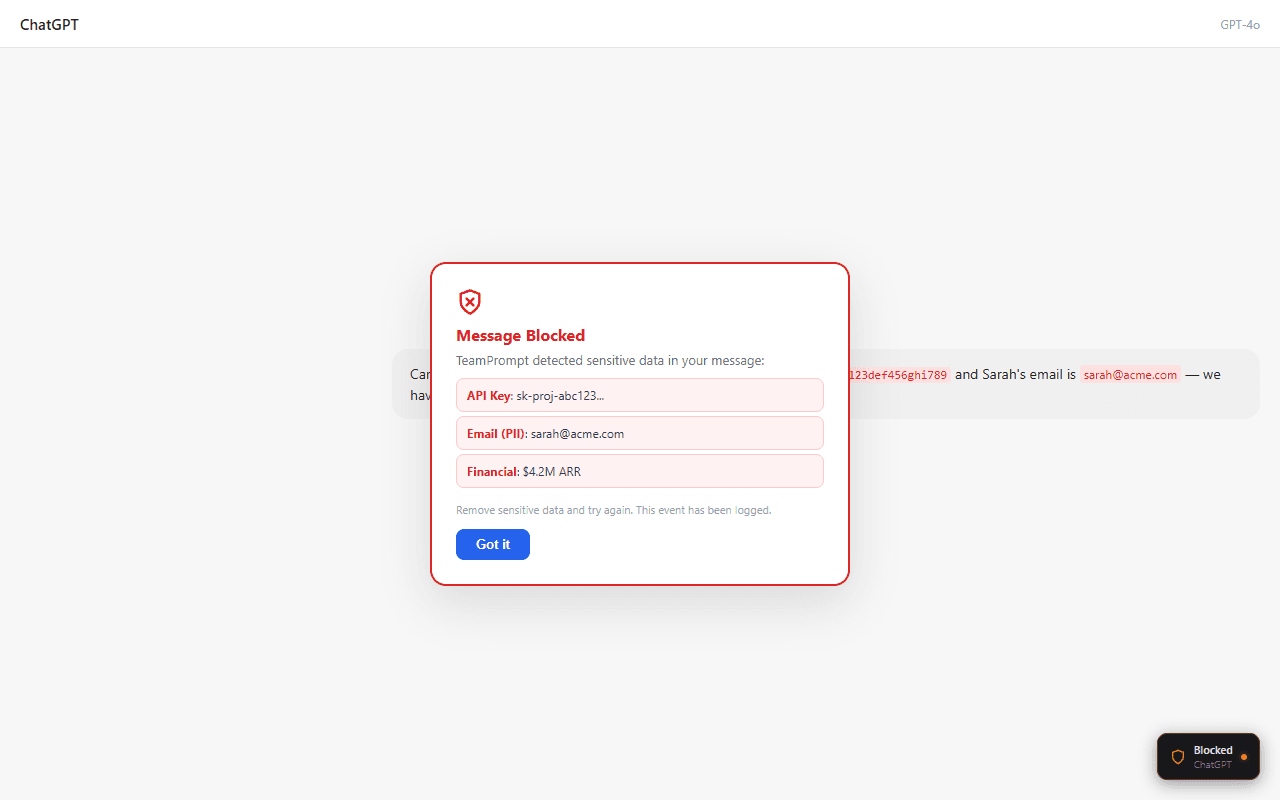
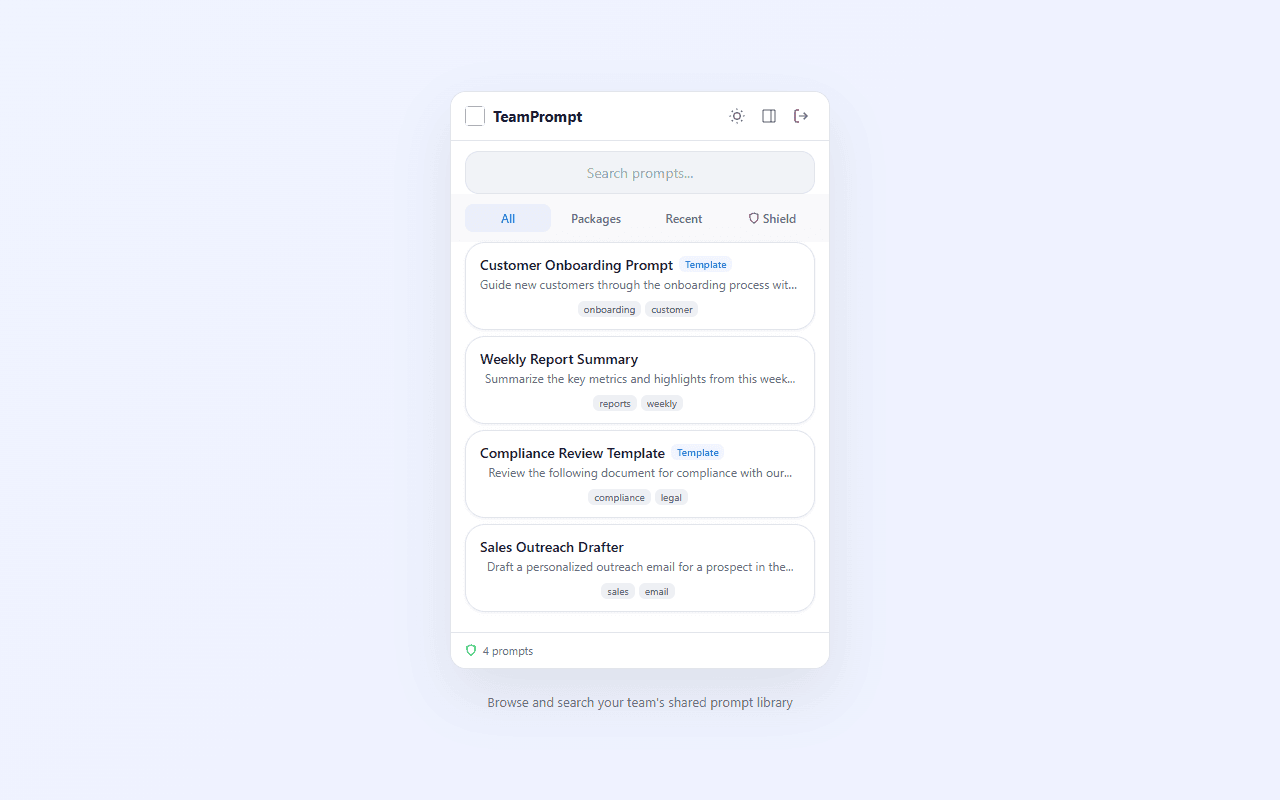
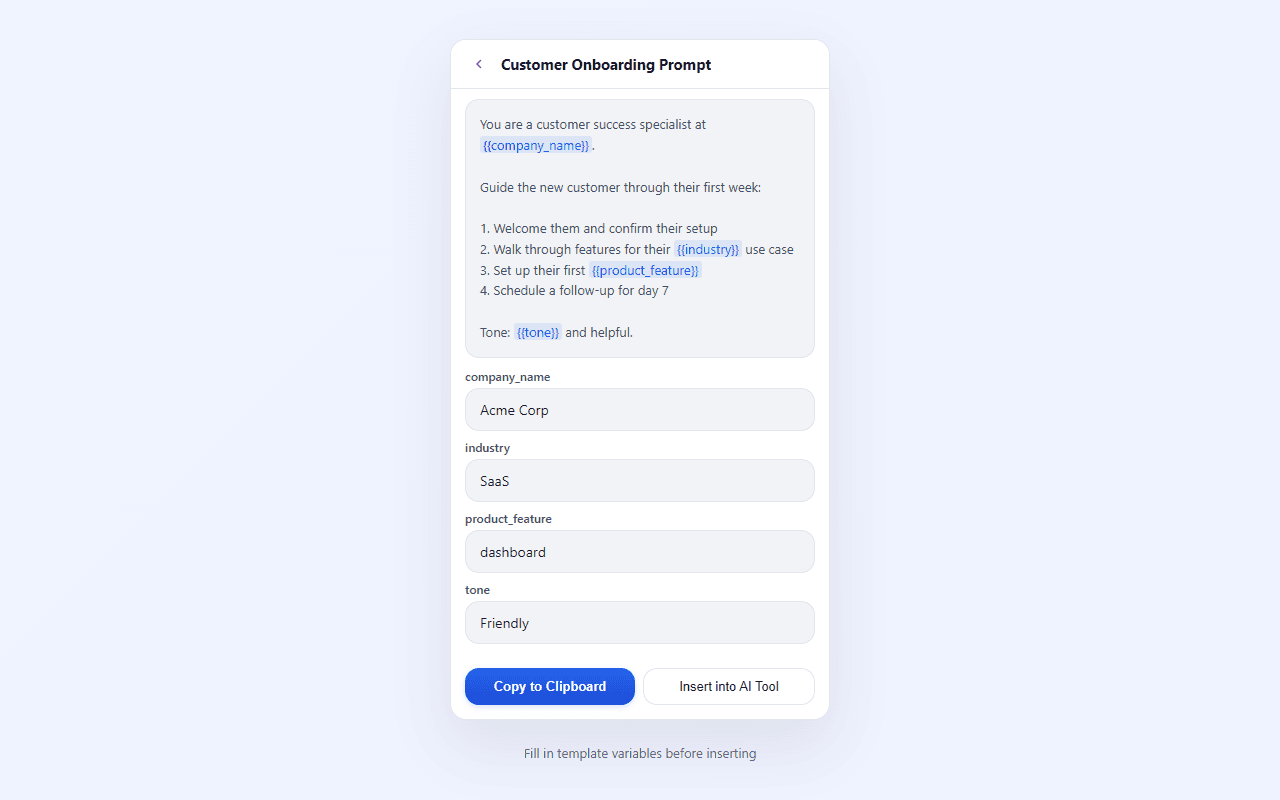
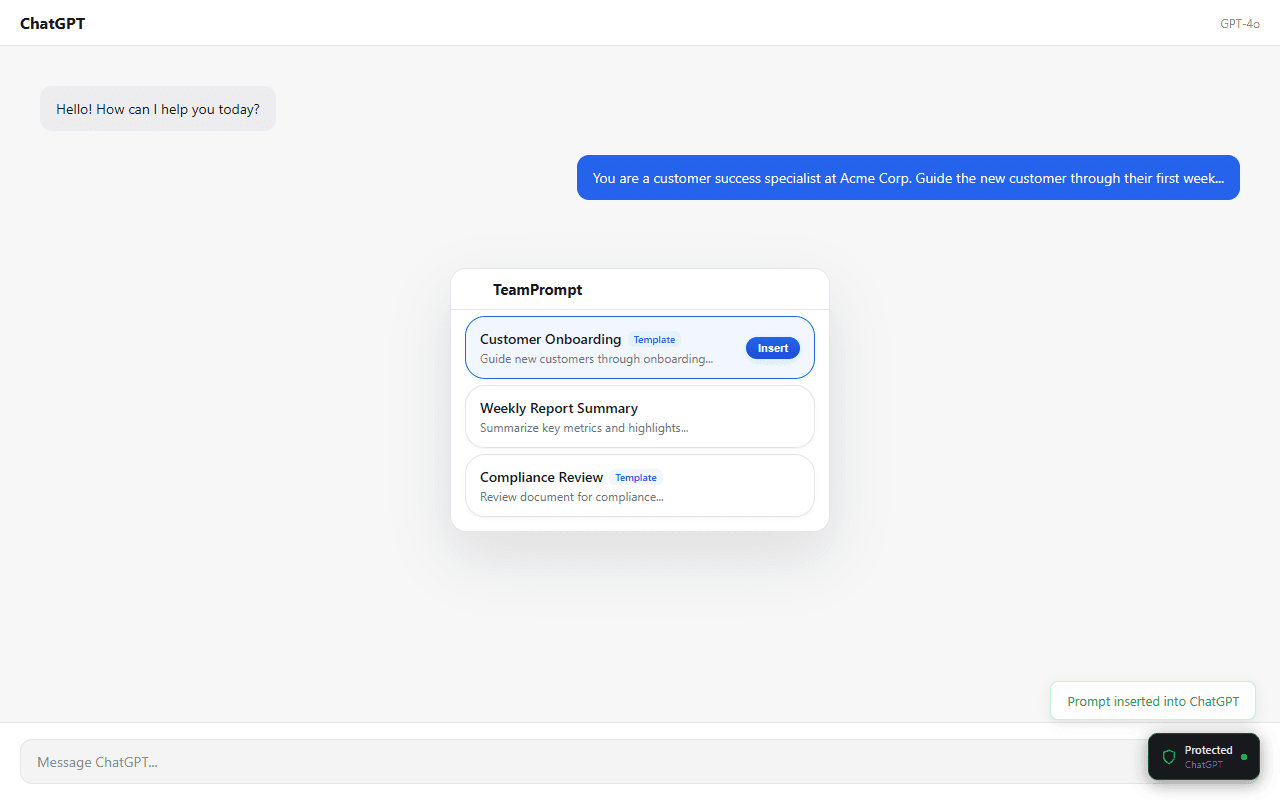


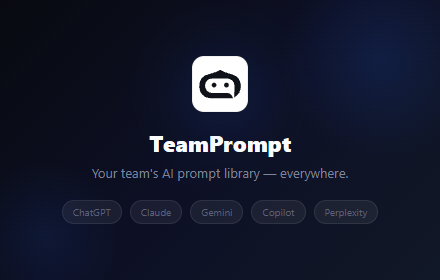
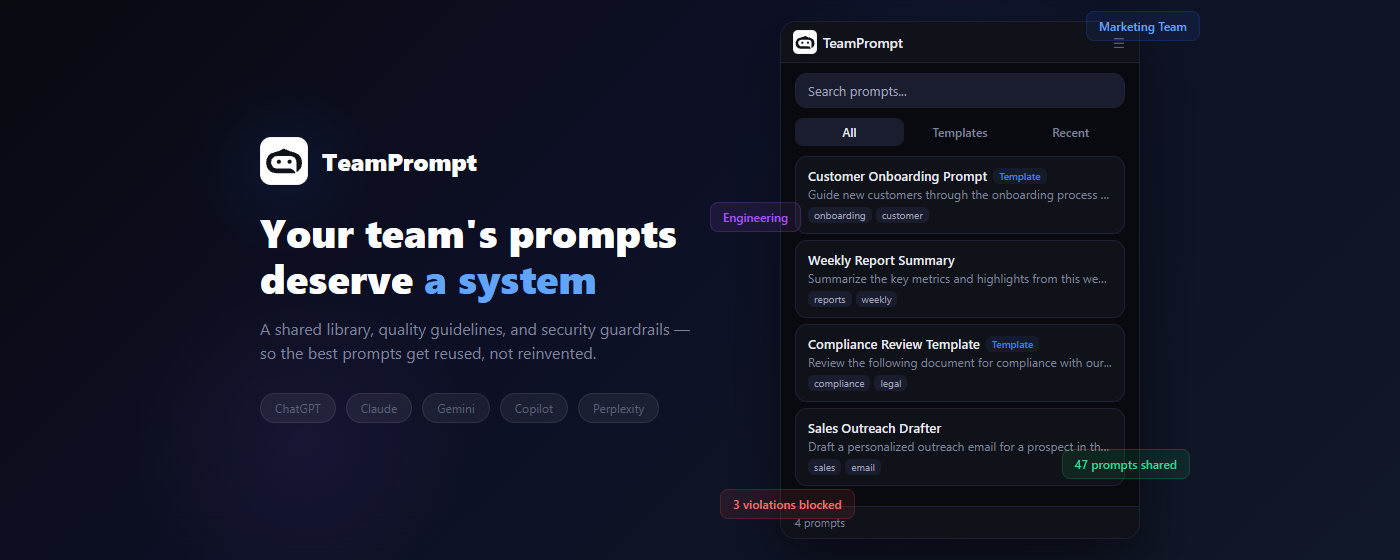
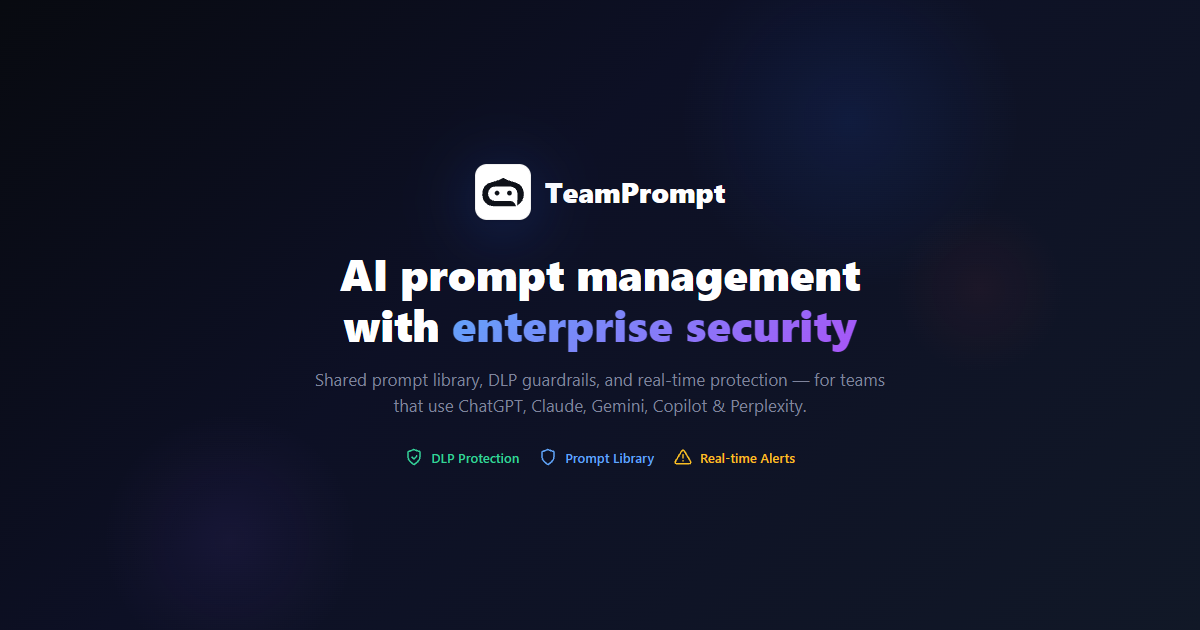
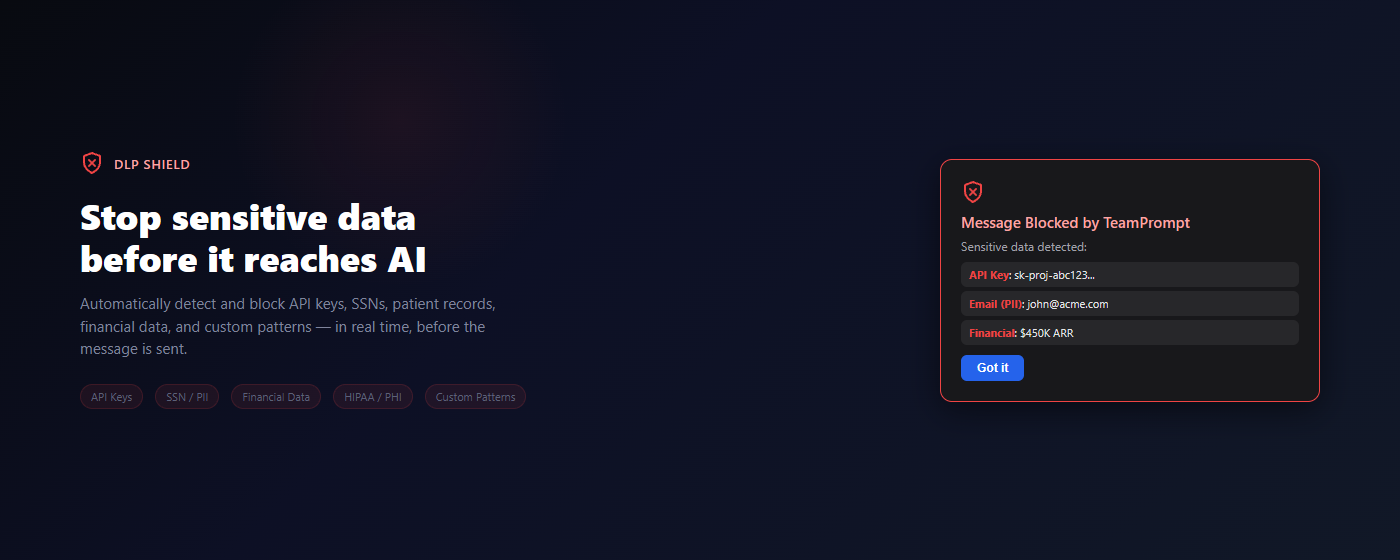
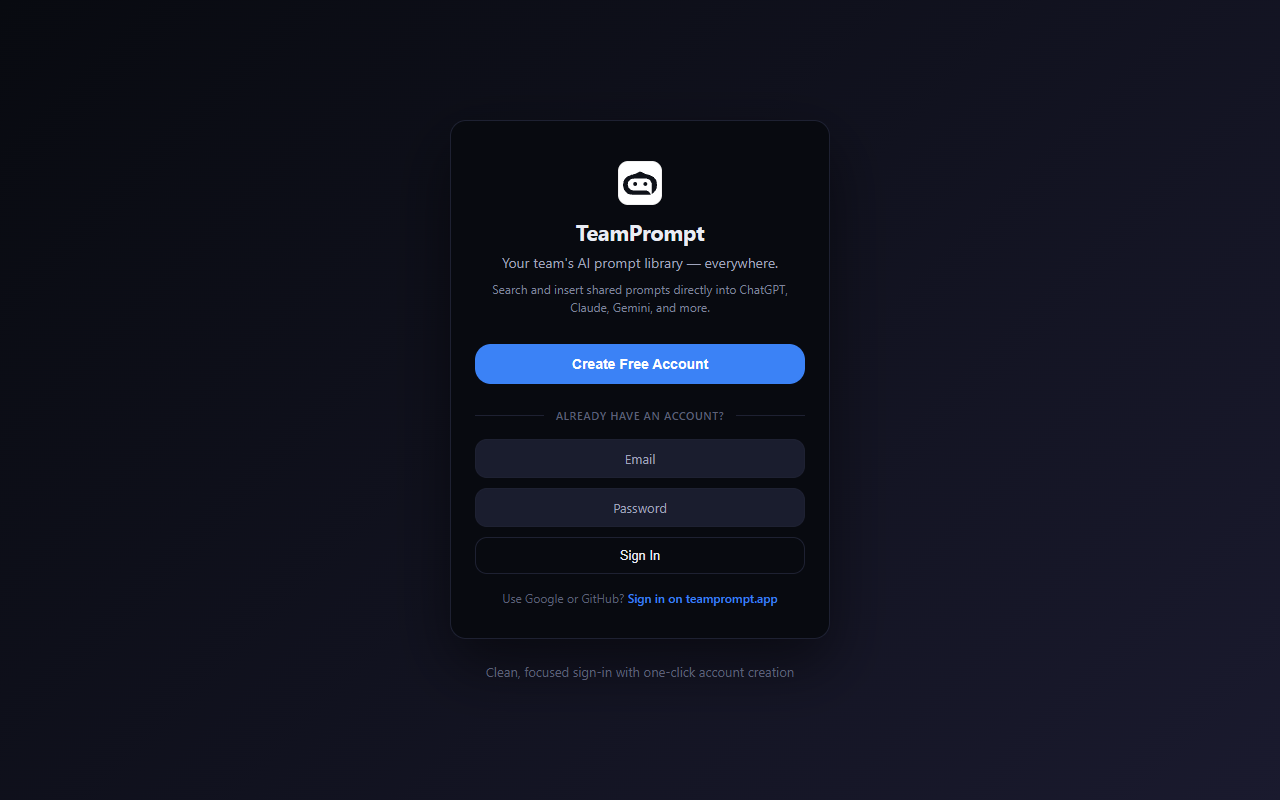
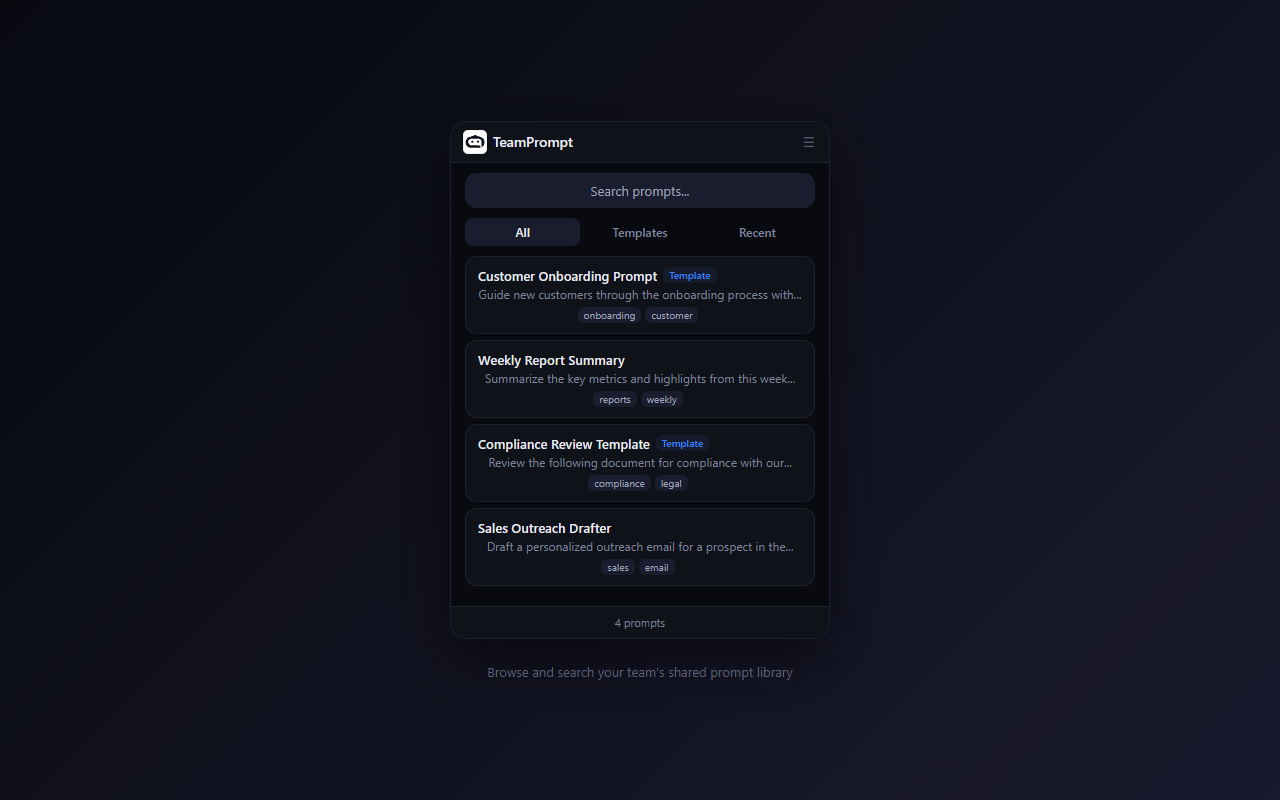
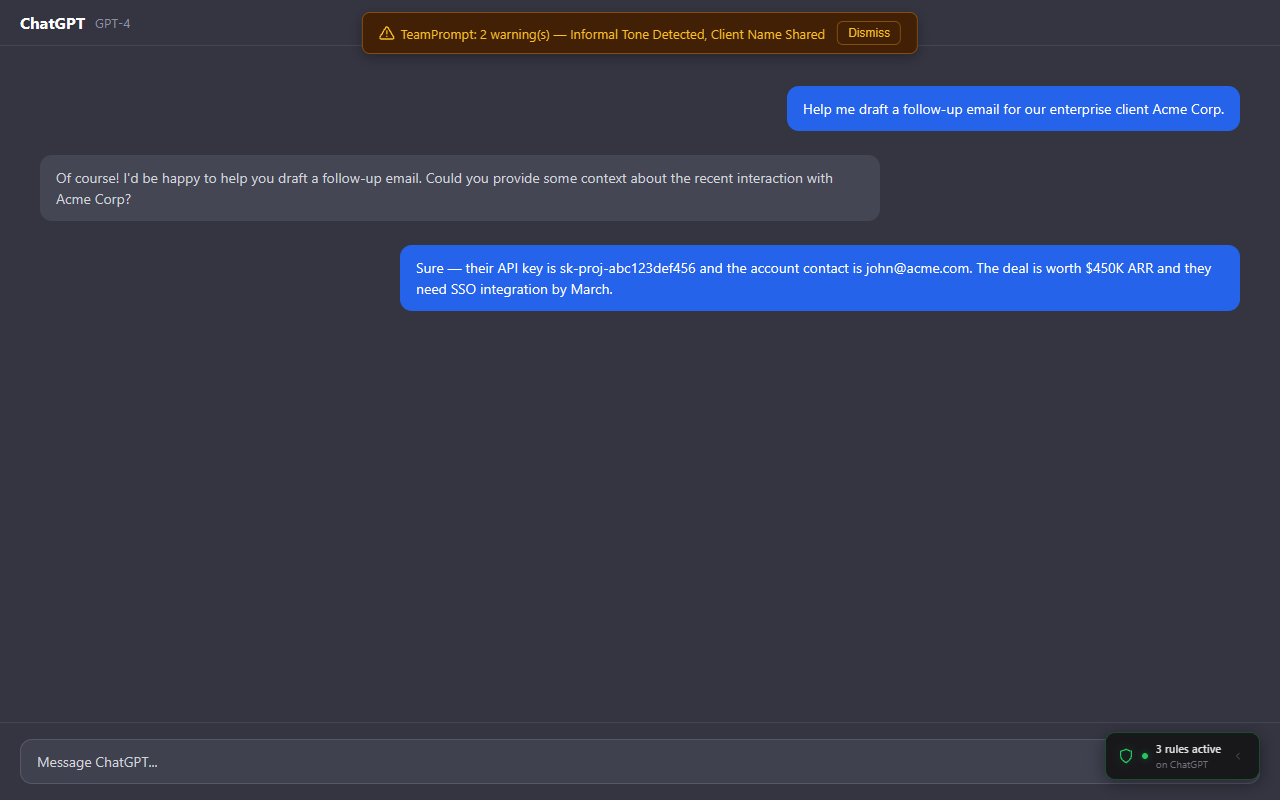
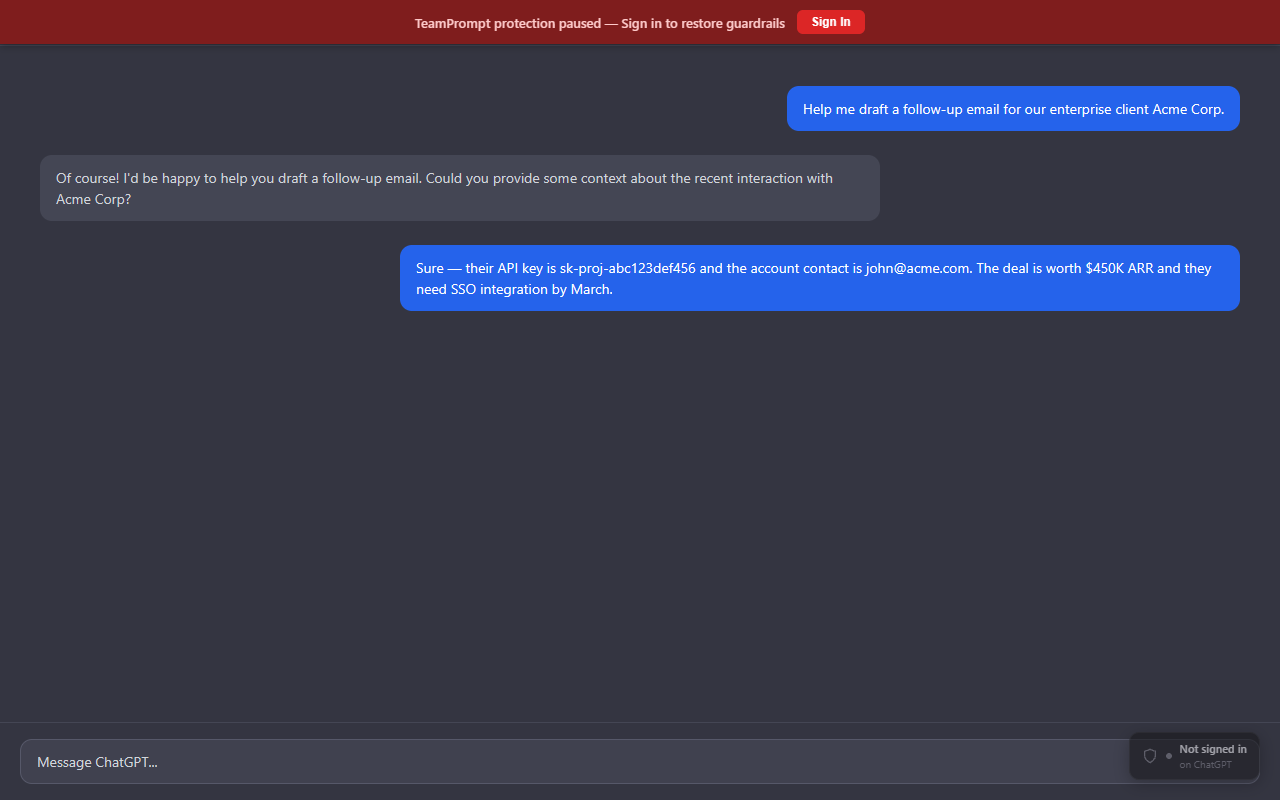
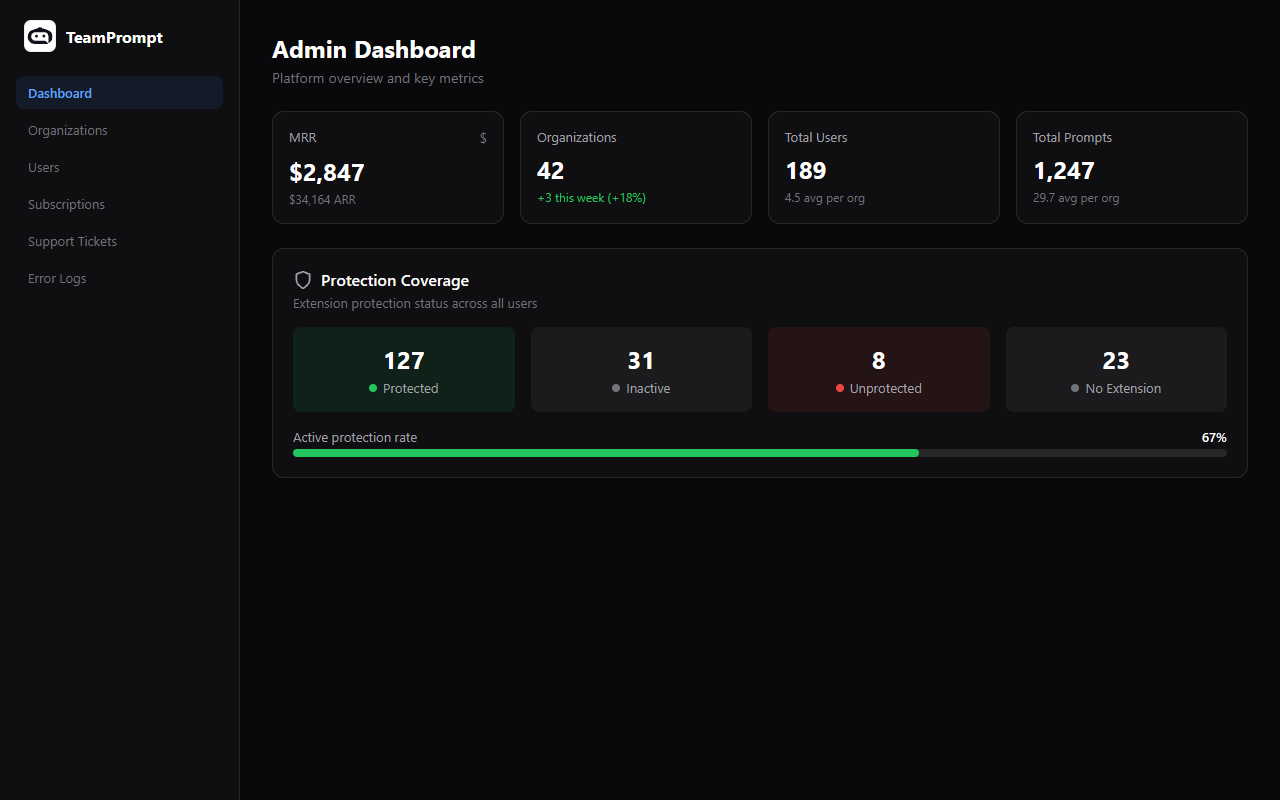
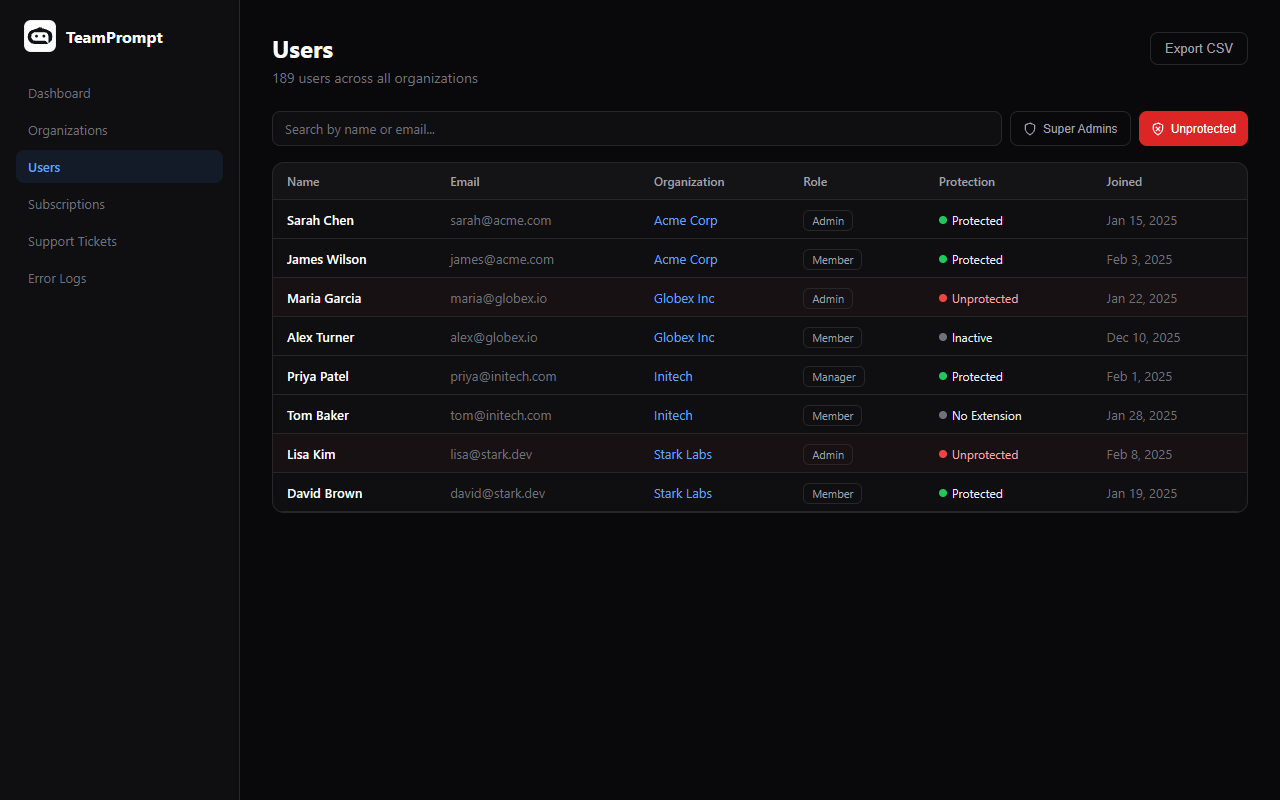
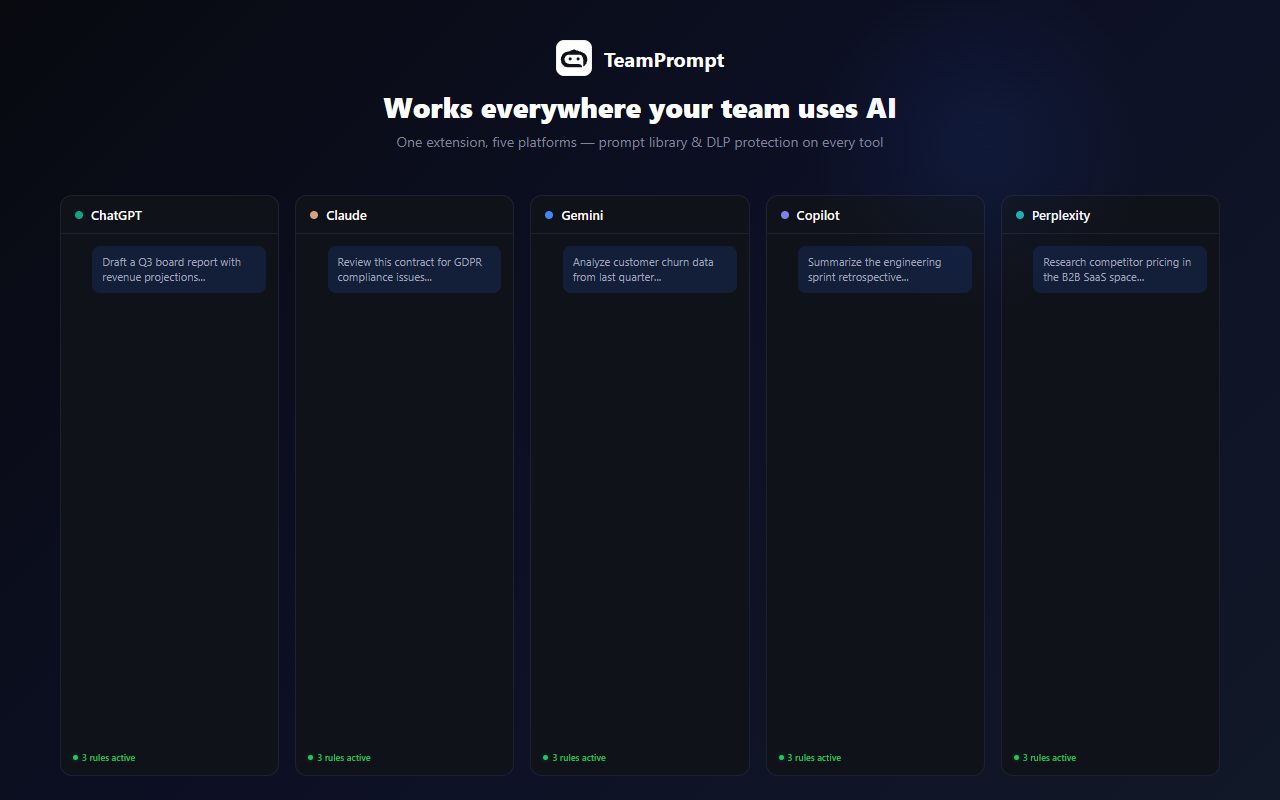
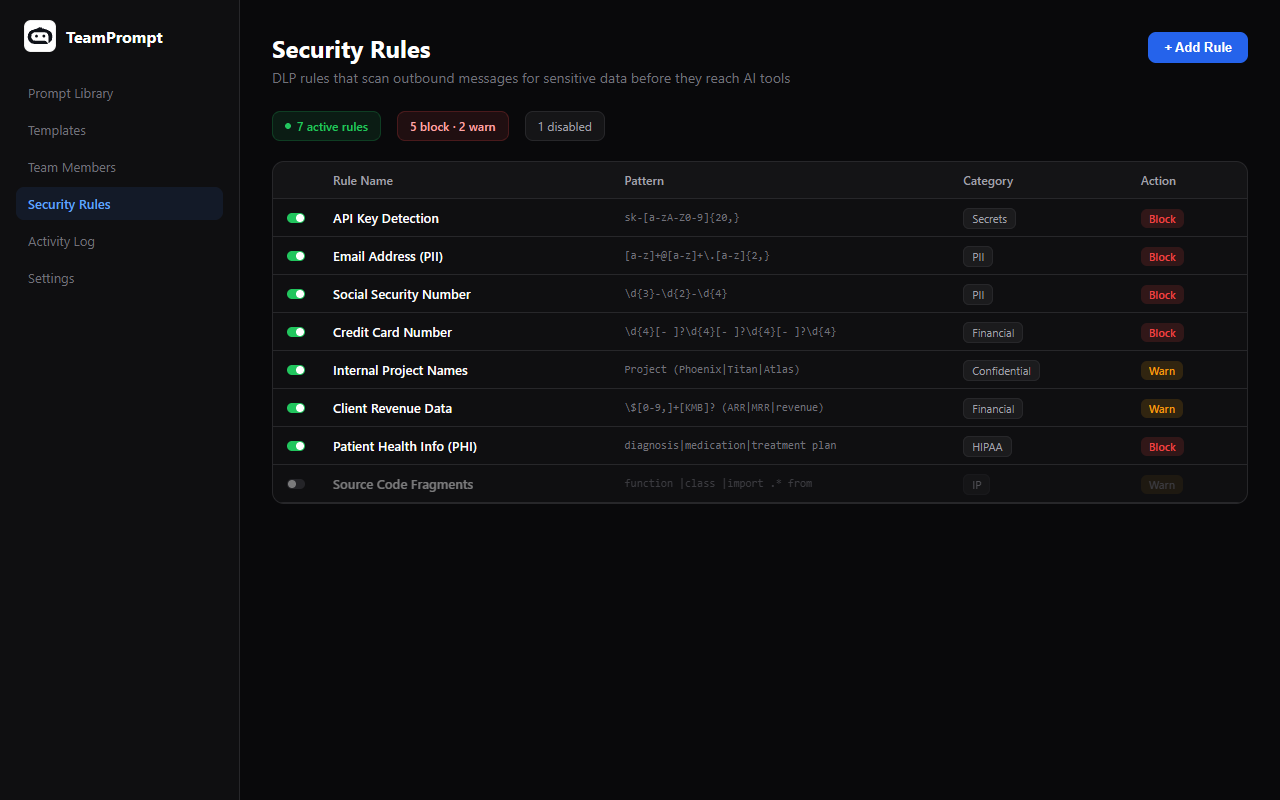
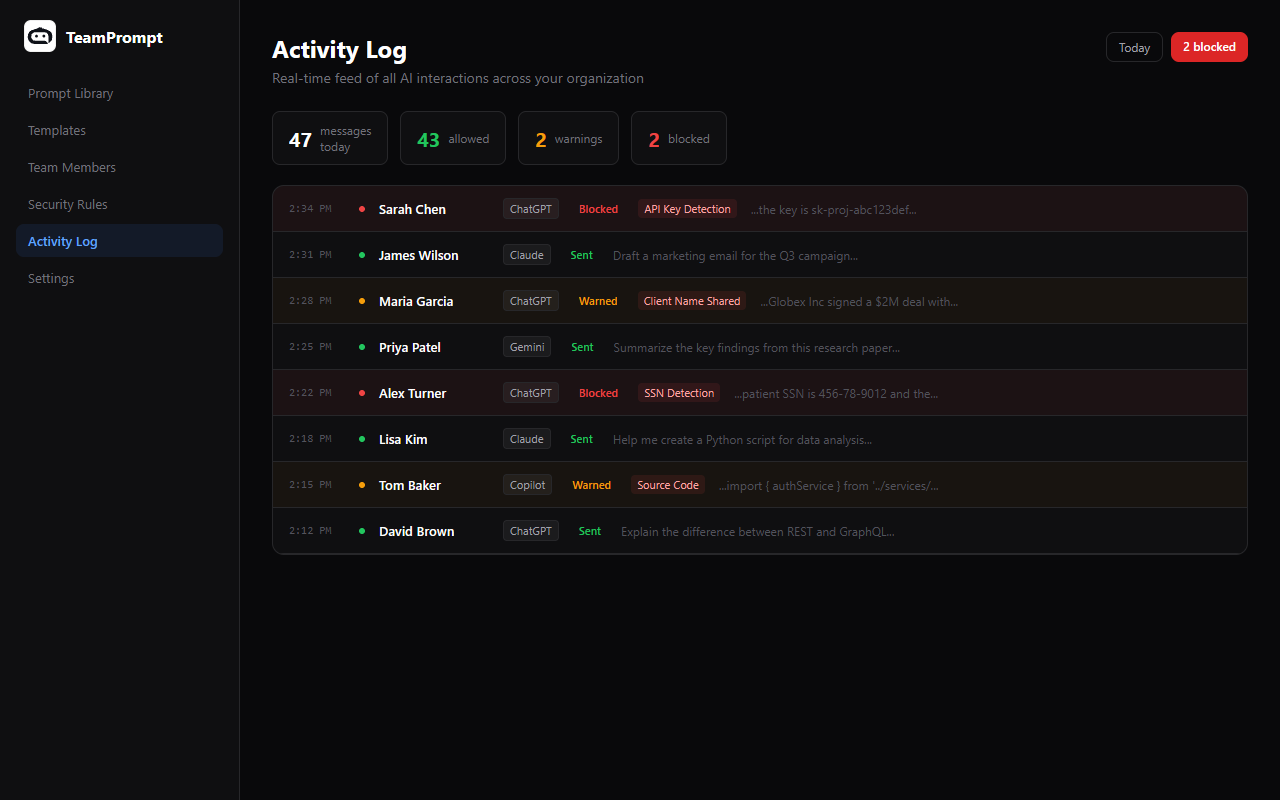
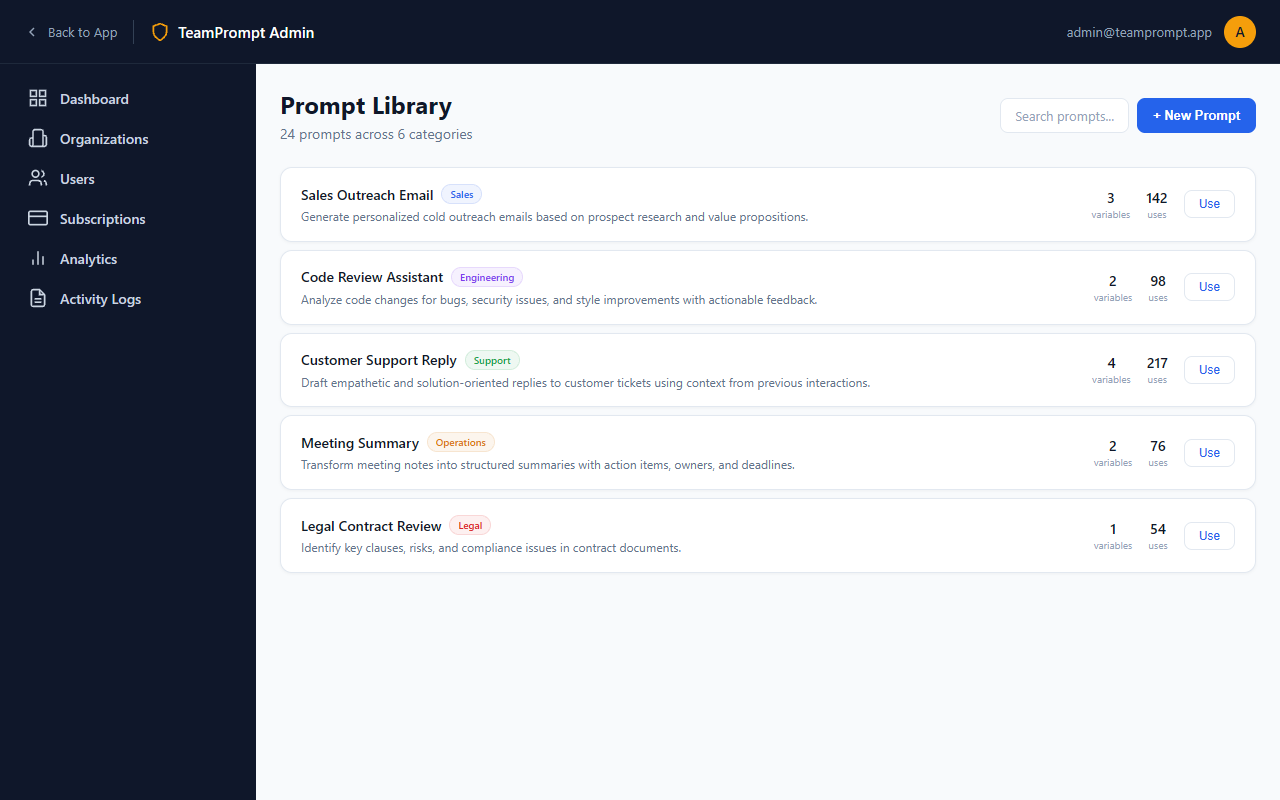
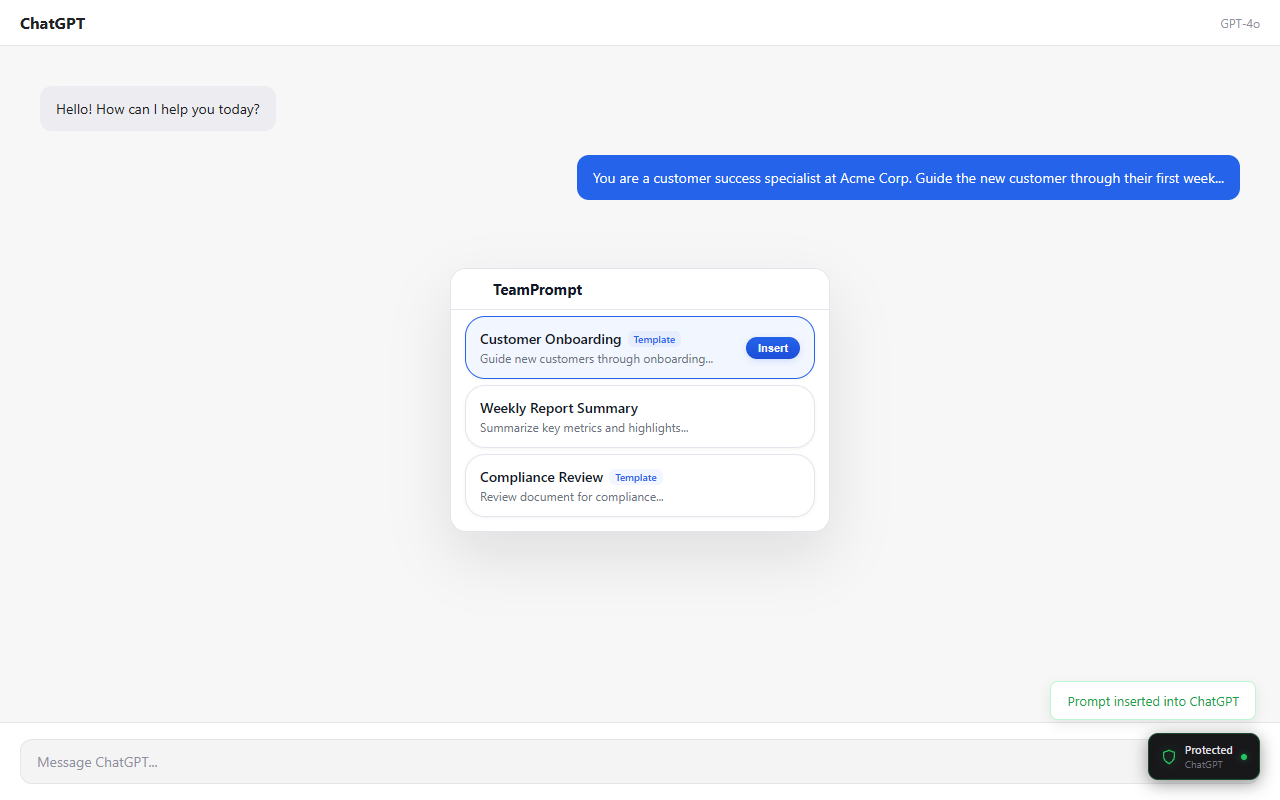
Store Listing Copy
Copy-ready text for Chrome Web Store, Firefox Add-ons, and Edge Add-ons submissions.
Extension Name (Chrome/Edge)
TeamPrompt — AI Prompt Manager & DLP Shield
Extension Name (Firefox, 47 chars)
TeamPrompt — AI Prompt Manager & DLP Shield
Short Description (132 chars)
Detect and block sensitive data before it reaches AI tools. Shared prompt library and audit logging — right inside ChatGPT, Claude & more.
Full Description
TeamPrompt is the prompt management platform for teams that use AI every day. Instead of sharing prompts in Slack threads, Google Docs, or spreadsheets, your team gets a centralized library that works everywhere — right inside ChatGPT, Claude, Gemini, Copilot, and Perplexity. Key features: • Shared Prompt Library — Browse, search, and insert team prompts in one click • Template Variables — Fill in dynamic fields like {{client_name}} before inserting • Data Protection — Automatically scan outbound text for sensitive data (SSNs, API keys, patient records, financial data) • Quality Guidelines — Set organization-wide standards for prompt quality and consistency • Usage Analytics — See which prompts get used, by whom, and where • Side Panel & Popup — Access prompts from a persistent side panel or quick popup overlay • Works Everywhere — ChatGPT, Claude, Gemini, Microsoft Copilot, and Perplexity Built for healthcare, legal, finance, government, and technology teams that need data protection around AI usage. Free plan available. No credit card required.
Single Purpose Statement (Chrome review)
Scan outbound AI messages for sensitive data. Access a shared team prompt library.
Reviewer Test Instructions
1. Install the extension and click the TeamPrompt icon in the toolbar 2. Click "Create Free Account" and sign up with any email 3. After signing in, you'll see the prompt library with sample prompts 4. Navigate to chatgpt.com — the extension detects the AI tool automatically 5. Click any prompt to preview it, then click "Insert" to paste it into the chat input 6. Try a template prompt — fill in the variable fields, then insert 7. Open the side panel (right-click extension icon → "Open side panel") for persistent access 8. To test DLP: type a fake SSN (e.g., 123-45-6789) into the AI chat — the extension will flag it
Firefox Tags
productivity, privacy-and-security, search-tools
License
Proprietary
Permission Justifications
| Permission | Justification |
|---|---|
| storage | Store authentication tokens and user preferences locally |
| activeTab | Read the current tab URL to detect which AI tool is active |
| alarms | Periodically refresh authentication tokens in the background |
| sidePanel | Provide a persistent side panel UI for browsing prompts (Chrome/Edge) |
Host Permission Justifications
| Host | Justification |
|---|---|
| chatgpt.com, chat.openai.com | Inject prompts and DLP scan outbound text |
| claude.ai | Inject prompts and DLP scan outbound text |
| gemini.google.com | Inject prompts and DLP scan outbound text |
| copilot.microsoft.com | Inject prompts and DLP scan outbound text |
| perplexity.ai | Inject prompts and DLP scan outbound text |
| teamprompt.app | Sync authentication session from web app |
Store URLs & Links
Homepage URL
https://teamprompt.app
Privacy Policy URL
https://teamprompt.app/privacy
Support URL
https://teamprompt.app/help
Support Email
support@teamprompt.app
LinkedIn Ad Campaign
LinkedIn Ads Playbook
Complete strategy for running LinkedIn ads on a $50/week budget. Follow these steps to generate qualified B2B leads.
Weekly Budget
$50/week
$200/month
Goal
Lead Generation
Free trial signups + demo requests
Timeline
Ongoing
Review weekly, optimize monthly
Campaign Setup Steps
Create Campaign — Sponsored Content (Single Image)
In LinkedIn Campaign Manager, create a new campaign group. Choose Lead Generation as your objective for best ROI at this budget.
Campaign Type: Sponsored Content
Ad Format: Single Image Ad (best CTR at low budgets)
Objective: Lead Generation (use LinkedIn Lead Gen Forms — no landing page friction)
Bidding: Maximum delivery (let LinkedIn optimize) or Manual CPC at $3-5
Daily Budget: $7.14/day ($50/7 days)
Schedule: Run continuously, Mon-Fri only (business hours get better engagement)
Target Audience Setup
Narrow targeting is critical at $50/week. Start with one audience, test for 2 weeks, then expand.
Audience A: IT Leaders
Start Here- Job Titles: IT Manager, IT Director, VP of IT, CTO, CISO, Head of Technology
- Company Size: 50-1,000 employees
- Industries: Technology, Financial Services, Healthcare, Professional Services
- Geography: United States (start narrow)
- Expected Size: 20K-80K (ideal range)
Audience B: Operations Leaders
Test Next- Job Titles: COO, VP Operations, Head of Operations, Operations Director, Chief of Staff
- Company Size: 50-5,000 employees
- Industries: Any (operations roles exist everywhere)
- Geography: US + Canada + UK
- Expected Size: 30K-100K
Audience C: AI Early Adopters
Phase 2- Job Functions: Engineering, Product Management
- Skills: Artificial Intelligence, Machine Learning, ChatGPT, Prompt Engineering
- Seniority: Manager+
- Company Size: 200-10,000
- Expected Size: 50K-150K
Audience D: Retargeting
After Pixel Data- Source: LinkedIn Insight Tag on teamprompt.app
- Retarget: Website visitors (last 90 days)
- Exclude: Existing customers (upload email list)
- Budget Split: 30% of budget when available
- Expected Size: Grows over time
Ad Creative & Copy
Run 2-3 ad variations per audience. Single image ads perform best at this budget. Use the LinkedIn banners from the Media Kit above.
Ad A: Problem-Agitate-Solve
Best PerformerIntroductory Text (max 150 chars):
“Your team is using AI every day. But are they sharing sensitive data? TeamPrompt gives you visibility and control — without slowing anyone down.”
Headline (under 70 chars):
“Control AI Usage Across Your Team”
Description:
“Free Chrome extension. Set up in 5 minutes. No code required.”
CTA Button:
Sign Up (or Learn More for awareness)
Image: Download from the “LinkedIn Ad Images” section below (1200x627)
Ad B: Social Proof / Stats
Introductory Text:
“91% of employees use AI tools at work. Only 12% of companies have any guardrails in place. TeamPrompt bridges that gap.”
Headline:
“AI Governance Made Simple”
Image: Use “Ad B — Social Proof” from the LinkedIn Ad Images section below
Ad C: Feature-Led (Prompt Library)
Introductory Text:
“Stop sensitive data from reaching AI tools. DLP protection, shared prompt library, and full audit logging for teams using AI.”
Headline:
“A Shared Prompt Library for Your Team”
Image: Use “Ad C — Feature-Led” from the LinkedIn Ad Images section below
LinkedIn Lead Gen Form Setup
Use LinkedIn's native Lead Gen Forms instead of sending to a landing page. Forms auto-fill from LinkedIn profiles, giving 2-3x higher conversion rates.
Form Name: TeamPrompt Free Trial Signup
Offer Headline: “Try TeamPrompt Free — No Credit Card Required”
Offer Detail: “AI data loss prevention, shared prompt library, and usage analytics for your team. Works with ChatGPT, Claude, Gemini, and 10+ AI platforms.”
Fields (keep minimal):
- - First Name (pre-filled)
- - Last Name (pre-filled)
- - Work Email (pre-filled)
- - Company Name (pre-filled)
- - Company Size (pre-filled)
Privacy Policy URL: https://teamprompt.app/privacy
Thank You Message: “Thanks! We'll send you an invite to TeamPrompt within 24 hours. In the meantime, install our free Chrome extension.”
Thank You URL: https://teamprompt.app/pricing
Install LinkedIn Insight Tag
Add the Insight Tag to teamprompt.app for conversion tracking and retargeting.
Where: LinkedIn Campaign Manager → Analyze → Insight Tag
Install: Add to the <head> of your site (or via Google Tag Manager)
Conversion Events to Track:
- - Signup page view (/signup)
- - Dashboard page view (/dashboard — means they created an account)
- - Pricing page view (/pricing)
- - Extension install click
Retargeting: Create audience of site visitors (90 days) after 2 weeks
Image Specs & Best Practices
LinkedIn single image ad specifications and tips for maximizing engagement.
Image Size
1200 x 627px (1.91:1 ratio)
File Type
JPG or PNG, max 5MB
Text on Image
Keep under 20% text (like Facebook rule)
Colors
Use brand blue (#2563EB) on white — high contrast in LinkedIn feed
Use product screenshots — they outperform illustrations 2x on LinkedIn
Show UI, not abstract graphics — decision-makers want to see the tool
Download ready-made ad images from the “LinkedIn Ad Images” section below
LinkedIn Ad Images — Ready to Use
1200 x 627px — the exact size for LinkedIn single image ads. 13 audience-targeted variations. Right-click → Save, or use the download button.
General — Multi-Audience
Control AI Usage
Across Your Team
Visibility & guardrails for every AI tool — without slowing anyone down
Works with ChatGPT · Claude · Gemini · Copilot · Perplexity
How can I help you today?
Sure, the client is John Smith. His 492-83-1...
Social Security Number Detected
Blocked by TeamPrompt DLP
Data protected
Real-time DLP scanning
Team library
Shared prompts
AI Governance
Made Simple
91% of employees use AI at work
Only 12% of companies have guardrails
Works with ChatGPT · Claude · Gemini · Copilot · Perplexity
A Shared Prompt Library
for Your Team
Version control · Approval workflows · Usage analytics
Works with ChatGPT · Claude · Gemini · Copilot · Perplexity
TeamPrompt — Inserted
Act as a senior code reviewer. Review the following code for bugs, security issues, and performance...
Usage +34%
vs last month
142 inserts
This week
Security & Compliance
Target: VP Eng, Eng Directors, Tech Leads managing 10+ developers
Your Devs Use AI Daily.
Do You Know What
They're Sharing?
DLP scanning catches API keys & secrets before they reach any AI model
Works with ChatGPT · Claude · Gemini · Copilot · Perplexity
How can I help you today?
Sure, the client is John Smith. His 492-83-1...
API Key / Secret Detected
Blocked by TeamPrompt DLP
API key blocked
Before it reached ChatGPT
Zero data leaks
Real-time scanning
Target: CISOs, InfoSec Directors, Security Engineers
91% of Employees
Use AI at Work.
Are your company secrets safe?
Catch PII, credentials, and proprietary data before they leave your org
How can I help you today?
Sure, the client is John Smith. His 492-83-1...
Social Security Number Detected
Blocked by TeamPrompt DLP
PII detected
Auto-blocked instantly
Full audit trail
Every AI interaction
Target: Compliance Officers, GRC, Legal Ops at regulated industries
AI Compliance
Without the Friction
Regex-powered DLP rules, audit trails, and approval workflows — all without blocking productivity
SOC 2 · GDPR · HIPAA ready
Full audit trail for every AI interaction
How can I help you today?
Sure, the client is John Smith. His 492-83-1...
Credit Card Number Detected
Blocked by TeamPrompt DLP
Compliant
SOC 2 & GDPR ready
Every interaction
Fully audited
Leadership & Operations
Target: VP Operations, IT Directors, CIO, Digital Transformation leads
Standardize AI
Across Your Org
in Minutes
One library. Every team. Consistent, compliant AI usage — no training needed.
Works with ChatGPT · Claude · Gemini · Copilot · Perplexity
TeamPrompt — Inserted
Act as a senior code reviewer. Review the following code for bugs, security issues, and performance...
148 members
Onboarded this week
2-min setup
No training required
Target: COO, CEO, VP Strategy — executives who want visibility
See Exactly How
Your Team Uses AI
Who's using which tools, how often, and what's working — all in one dashboard
Real-time org-wide analytics
Extension activity · Usage trends · ROI metrics
Summarize this contract for ████████
Here's the summary for the client...
3 fields redacted by TeamPrompt
Usage +48%
vs last quarter
ROI tracked
Per team & tool
Teams & Enablement
Target: HR Directors, L&D Managers, Chief People Officers
Train Your Team
on AI — the
Right Way
Pre-built prompt templates with guardrails. Your team gets AI superpowers without the risk.
Works with ChatGPT · Claude · Gemini · Copilot · Perplexity
TeamPrompt — Inserted
Act as a senior code reviewer. Review the following code for bugs, security issues, and performance...
92% adopted
Within first week
Safe by default
Guardrails built-in
Target: VP Sales, Sales Ops, Revenue Leaders using AI for outreach
Your Top Rep's
Best Prompts.
Available to Everyone.
Turn individual AI wins into team-wide playbooks — outreach, proposals, research
Works with ChatGPT · Claude · Gemini · Copilot · Perplexity
TeamPrompt — Inserted
Act as a senior code reviewer. Review the following code for bugs, security issues, and performance...
+34% close rate
With shared prompts
Team playbook
12 prompts shared
Target: Product Managers, PMs who use AI for specs, research, analysis
Stop Reinventing
Prompts. Start Scaling
What Works.
Templatize your best AI workflows with variables and share across teams
Works with ChatGPT · Claude · Gemini · Copilot · Perplexity
Summarize this contract for ████████
Here's the summary for the client...
3 fields redacted by TeamPrompt
312 inserts
This month
4 teams
Using this template
Image-based ad with CTA overlay. Target: Team leads, managers frustrated by inconsistent AI output
Startups & Agencies
Target: CTOs, technical co-founders at Series A-C startups
Ship Faster.
Every Prompt,
Version-Controlled.
Your team's best AI workflows — saved, shared, and iterated on together
Works with ChatGPT · Claude · Gemini · Copilot · Perplexity
TeamPrompt — Inserted
Act as a senior code reviewer. Review the following code for bugs, security issues, and performance...
10x faster
Than copy-paste
v12 → v13
Version history
Target: Agency owners, consulting partners, service delivery leads
One Prompt Library.
Every Client.
Total Consistency.
Your best frameworks, shared instantly. No more “what prompt did you use?”
Works with ChatGPT · Claude · Gemini · Copilot · Perplexity
TeamPrompt — Inserted
Act as a senior code reviewer. Review the following code for bugs, security issues, and performance...
One-click insert
Into any AI tool
5 clients
Same quality output
🎯 LinkedIn Ads — Wave 2 (New Personas & Styles)
10 new ad creatives inspired by top-performing B2B SaaS ads. Bold stat callouts, before/after comparisons, thought leadership, industry-specific compliance, and urgency-driven messaging.
Target: CFOs, Finance Directors, FP&A leads who need to justify AI spend
ROI Dashboard
Your Team Spends
40+ Hours/Week on AI.
Can You Prove the ROI?
Track usage, adoption, and time saved — by team, tool, and individual
Summarize this contract for ████████
Here's the summary for the client...
3 fields redacted by TeamPrompt
$2.4M saved
Annual AI efficiency
Per-seat ROI
Tracked automatically
Target: CEOs, founders, board members — thought leadership angle
The Companies
Winning with AI
Have One Thing
in Common.
They don't just use AI — they manage it. Shared playbooks, guardrails, and analytics.
Works with ChatGPT · Claude · Gemini · Copilot · Perplexity
TeamPrompt — Inserted
Act as a senior code reviewer. Review the following code for bugs, security issues, and performance...
3x faster
AI-powered teams
Org-wide
Prompt governance
Target: IT admins, sys admins, IT managers dealing with shadow AI sprawl
73%
of employees use
unapproved AI tools
Shadow AI is your biggest blind spot. Get visibility and control — without blocking productivity.
How can I help you today?
Sure, the client is John Smith. His 492-83-1...
API Key / Secret Detected
Blocked by TeamPrompt DLP
Shadow AI
Now visible
Policy active
All tools monitored
Target: CS leaders, account managers, support team leads
Every Client Gets
Your Best Response.
Not Your Newest Rep's.
Shared response templates with variables — so junior reps sound like your top performers
Works with ChatGPT · Claude · Gemini · Copilot · Perplexity
TeamPrompt — Inserted
Act as a senior code reviewer. Review the following code for bugs, security issues, and performance...
Instant insert
Into any AI chat
4.8★ avg
Client satisfaction
Target: General Counsel, Legal Ops, Risk & Compliance Officers
Your Employees
Paste Contracts
Into ChatGPT.
Every. Single. Day.
Auto-detect and block confidential documents, legal text, and privileged information
How can I help you today?
Sure, the client is John Smith. His 492-83-1...
Social Security Number Detected
Blocked by TeamPrompt DLP
Contract blocked
Before reaching AI
Zero exposure
Legal docs protected
Target: CMOs, content leads, brand managers using AI for copy
For Marketing Teams
AI-Generated Content
That Actually Sounds
Like Your Brand.
Pre-loaded brand voice templates, tone guidelines, and approved prompts — one click away
Works with ChatGPT · Claude · Gemini · Copilot · Perplexity
TeamPrompt — Inserted
Act as a senior code reviewer. Review the following code for bugs, security issues, and performance...
On-brand every time
Consistent output
18 templates
Ready to use
Target: Remote-first companies, distributed team leaders, Head of Remote
Remote Teams
Shouldn't Mean
Scattered AI Workflows.
12k+
Prompts shared
50+
Teams onboard
99.9%
Uptime
Works with ChatGPT · Claude · Gemini · Copilot · Perplexity
TeamPrompt — Inserted
Act as a senior code reviewer. Review the following code for bugs, security issues, and performance...
Global team
Prompts synced live
Works offline
Sync when ready
Target: Healthcare CIOs, HIPAA officers, health system IT directors
Your Staff Uses AI
to Write Patient Notes.
Is PHI leaking to OpenAI?
Auto-detect MRN, SSN, patient names, and diagnosis codes before they leave your network
HIPAA-compliant AI governance
How can I help you today?
Sure, the client is John Smith. His 492-83-1...
Social Security Number Detected
Blocked by TeamPrompt DLP
PHI blocked
Before reaching AI
HIPAA ready
Full compliance
Target: Research directors, university IT, academic compliance officers
For Research Teams
Use AI to Accelerate
Research — Without
Compromising Integrity.
Approved prompts, data guardrails, and usage logging for institutional compliance
Works with ChatGPT · Claude · Gemini · Copilot · Perplexity
Summarize this contract for ████████
Here's the summary for the client...
3 fields redacted by TeamPrompt
IRB approved
Prompt workflows
Data protected
Unpublished results safe
Target: Any AI decision-maker — visual before/after contrast drives conversions
Without TeamPrompt:
Everyone writes prompts from scratch
Sensitive data pasted into AI tools
Zero visibility into AI usage
With TeamPrompt:
Shared library, one-click insert
DLP auto-blocks sensitive data
Full analytics dashboard
Works with ChatGPT · Claude · Gemini · Copilot · Perplexity
How can I help you today?
Sure, the client is John Smith. His 492-83-1...
Social Security Number Detected
Blocked by TeamPrompt DLP
Setup in 2 min
No training needed
10x productivity
From day one
LinkedIn Square Ads — 1200 × 1200 (AI Chat Mockups)
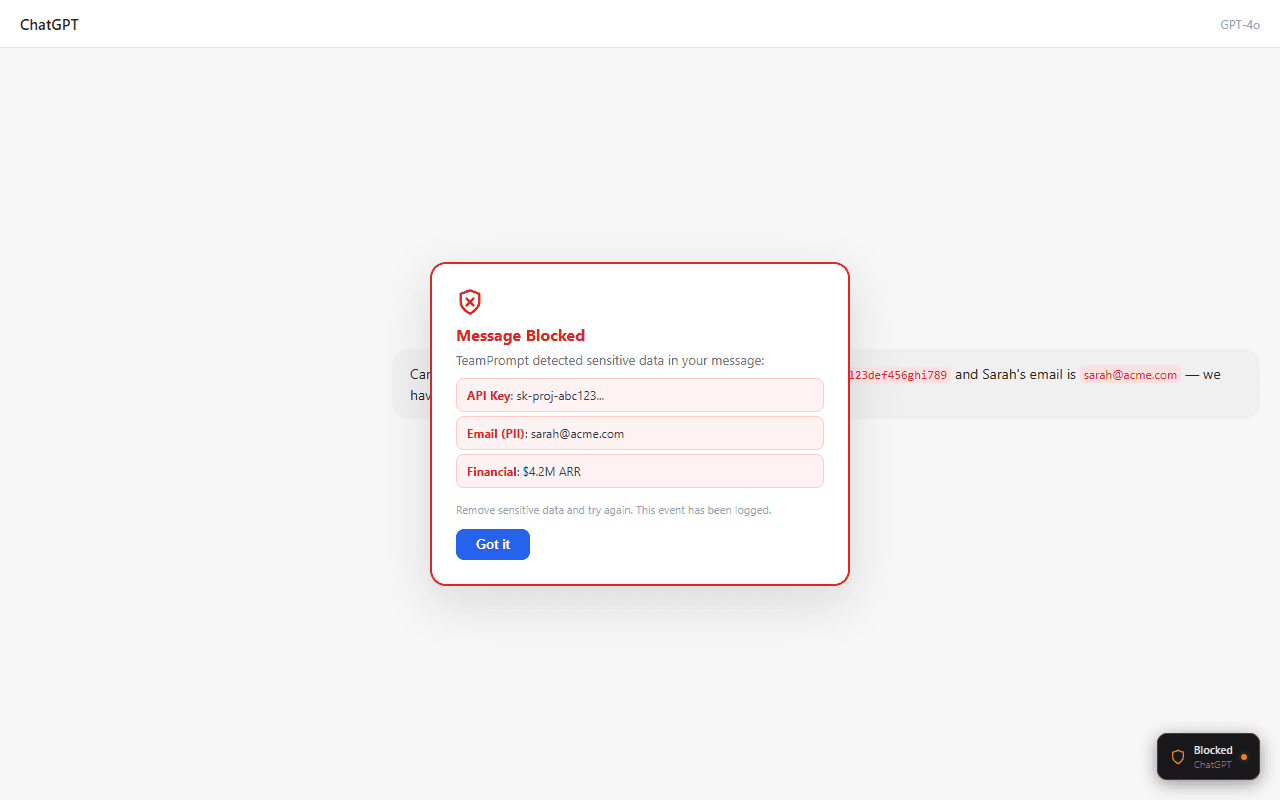
Square format for maximum mobile feed presence. Features realistic AI chat window mockups showing DLP protection, prompt insert, and data redaction in action.
Shows sensitive data being blocked in real-time inside a ChatGPT-style conversation
Your AI Assistant Just Blocked
A Data Leak.
TeamPrompt's DLP catches sensitive data before it reaches any AI model
How can I help you today?
Can you draft an email to our client about the project update?
Sure! Could you share the client details and key points?
Sure, the client is John Smith. His 492-83-1...
Social Security Number Detected
Blocked by TeamPrompt DLP
Works with ChatGPT · Claude · Gemini · Copilot · Perplexity
Chat with automatically redacted PII, emails, and account numbers
See What Your Team
Is Sharing with AI
Summarize this contract for ████████
Here's the summary for the client...
Send it to ████@████.com with the account ████-████
3 fields redacted by TeamPrompt
Works with ChatGPT · Claude · Gemini · Copilot · Perplexity
Visual comparison: unprotected chat vs TeamPrompt-protected chat
Without TeamPrompt
With TeamPrompt
Shows TeamPrompt injecting a shared template into the AI chat input
Stop Rewriting Prompts
From Scratch
A shared library of proven prompts your team can insert with one click
TeamPrompt — Inserted
Act as a senior code reviewer. Review the following code for bugs, security issues, and performance...
I'll review this code thoroughly. Here are my findings...
Works with ChatGPT · Claude · Gemini · Copilot · Perplexity
ChatGPT, Claude, Gemini, Copilot — all protected by one platform
One Platform.
Every AI Tool.
Total Protection.
Works with ChatGPT · Claude · Gemini · Copilot · Perplexity
Bold stat callout with mini chat showing credit card block
2,847
data leaks blocked this month
How can I help you today?
Sure, the client is John Smith. His 492-83-1...
Credit Card Number Detected
Blocked by TeamPrompt DLP
Auto-blocked
Credit card detected
Zero exposure
Data never left
Side-by-side analytics dashboard and redacted conversation view
Full Visibility Into
Your Team's AI Usage
142
Total Prompts
89
Total Uses
4.2
Avg Rating
12
This Week
Daily Usage — Last 30 Days
Summarize this contract for ████████
Here's the summary for the client...
3 fields redacted by TeamPrompt
Dark variant with API key detection — vibrant blue accent
Sensitive Data
Meets AI.
TeamPrompt Intervenes.
Real-time DLP scanning catches API keys, credentials, and secrets before they reach any model
How can I help you today?
Can you draft an email to our client about the project update?
Sure! Could you share the client details and key points?
Sure, the client is John Smith. His 492-83-1...
API Key / Secret Detected
Blocked by TeamPrompt DLP
Works with ChatGPT · Claude · Gemini · Copilot · Perplexity
Creative LinkedIn Ads
Quirky, attention-grabbing ad creatives designed to stop the scroll.
Eye-catching creative highlighting uncontrolled AI usage risks
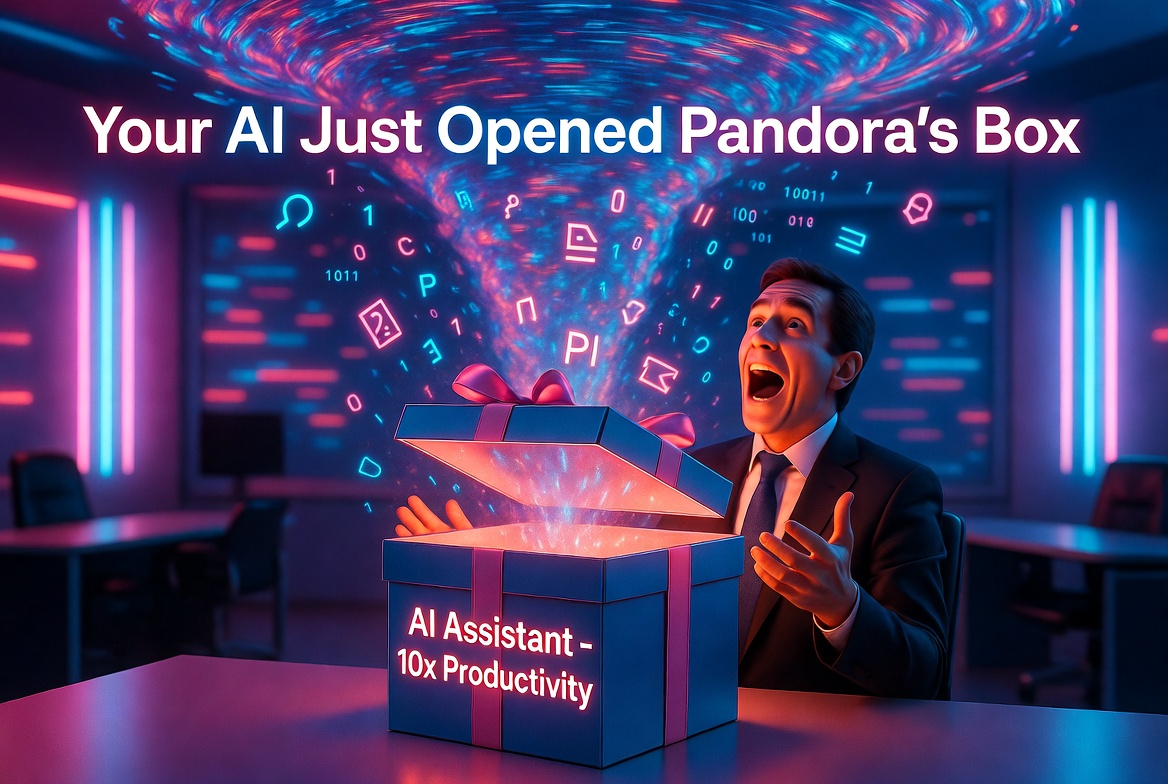
TeamPrompt
Your team's AI prompt library
Protect Your Team
Start Free
LinkedIn Image Specs Reference
All image dimensions per LinkedIn's latest documentation. Use these specs when creating or resizing assets.
| Asset Type | Dimensions | Ratio | Notes |
|---|---|---|---|
| Single Image Ad | 1200 x 627 | 1.91:1 | Sponsored Content — most common ad format. JPG/PNG, max 5 MB. |
| Company Page Cover | 1128 x 191 | 5.9:1 | Company/org banner. Avoid text in left 25% (overlapped by logo). |
| Personal Profile Cover | 1584 x 396 | 4:1 | Personal/showcase banner. Profile photo overlaps bottom-left. |
| Carousel Card | 1080 x 1080 | 1:1 | Carousel ads — 2 to 10 cards. JPG/PNG, max 10 MB per card. |
| Video Ad Thumbnail | 1200 x 627 | 1.91:1 | Video content thumbnail. Same ratio as single image ads. |
| Event Image | 1600 x 900 | 16:9 | LinkedIn Events banner image. |
| Profile Photo | 400 x 400 | 1:1 | Company logo. Displays as circle. PNG with transparency recommended. |
| Spotlight Ad (Logo) | 100 x 100 | 1:1 | Dynamic Ads — company logo image. JPG/PNG, max 2 MB. |
| Spotlight Ad (BG) | 300 x 250 | 6:5 | Dynamic Ads — optional background image. JPG/PNG, max 2 MB. |
$50/Week Budget Allocation
Week 1-2: Testing Phase
Week 3+: Optimized Phase
Expected Metrics at $50/Week
3K-8K/wk
Impressions
Depends on audience size
15-40/wk
Clicks
0.3-0.8% CTR typical
2-5/wk
Leads
5-15% form fill rate
$10-25
Cost per Lead
Decreases with optimization
Pro Tips for $50/Week Budget
Run Mon-Fri only
B2B engagement drops 60% on weekends. Save budget for business hours.
Use Lead Gen Forms over landing pages
Auto-filled forms convert 2-3x higher. At low budgets, every click matters.
Start with ONE audience
Don't split $50 across 3 audiences. Test one for 2 weeks, then expand.
Refresh creative every 3-4 weeks
LinkedIn frequency fatigue hits fast. Rotate between ad variations.
Exclude current customers
Upload your user email list to LinkedIn and exclude them from targeting.
Monitor CPL, not impressions
Cost per Lead is the only metric that matters. Kill ads over $30 CPL.
Post organic content alongside ads
Organic posts build credibility when prospects see your brand from ads.
Follow up leads within 24 hours
LinkedIn leads go cold fast. Set up email automation or personal outreach.
Weekly Optimization Checklist
Competitive Positioning
How TeamPrompt compares to individual AI subscriptions like ChatGPT Plus and Claude Pro.
What they sell
Better AI for one person
ChatGPT Go/Plus/Pro and Claude's paid plans are individual AI tools.
What we sell
AI governance + productivity for teams
TeamPrompt is a team layer that wraps around all of them. It's not a replacement — it's the guardrail.
| Their Plans | TeamPrompt |
|---|---|
| Individual prompt history | Shared prompt library across the team |
| No data protection | DLP guardrails — block PII, API keys, secrets before they reach AI |
| Works with one AI tool | Works across ChatGPT, Claude, Gemini, Copilot, Perplexity |
| No team visibility | Activity logging — see what your team sends to AI |
| No quality control | Guidelines + approval workflows for prompt quality |
| No compliance story | Audit trail for regulated industries (legal, finance, healthcare) |
The Pitch
“Your team already pays for ChatGPT/Claude. TeamPrompt makes sure they use it safely, consistently, and without leaking your data. It's not a replacement — it's the guardrail.”
Key Selling Angles for Ads
“Your employees are pasting client contracts into ChatGPT right now”
“How do you prove to auditors what your team sent to AI?”
“Stop reinventing prompts — share what works across the team”
“One dashboard for ChatGPT, Claude, Gemini, Copilot — no vendor lock-in”
Pricing Advantage
At $8–20/seat/month, TeamPrompt is cheaper than upgrading everyone to ChatGPT Plus and adds data protection, team collaboration, and compliance features they'll never get from OpenAI or Anthropic directly.
Social
Social Media Banners
Visually rich banners for every major platform. Each preview shows the live CSS-rendered banner — download the original PNGs below for upload.
X (Twitter)
Dark variant
AI data loss prevention for ChatGPT, Claude & AI tools
Works with ChatGPT · Claude · Gemini · Copilot · Perplexity
8
Prompts
142
Uses
7
Shared
1
Guidelines
Customer Onboarding Email
Code Review Feedback
{} TemplateWeekly Status Update
{} TemplateProtected
17 active rules monitoring
15
Blocked
0
Warned
15
This Week
White variant
AI data loss prevention for ChatGPT, Claude & AI tools
Works with ChatGPT · Claude · Gemini · Copilot · Perplexity
8
Prompts
142
Uses
7
Shared
1
Guidelines
Customer Onboarding Email
Code Review Feedback
{} TemplateWeekly Status Update
{} TemplateProtected
17 active rules monitoring
15
Blocked
0
Warned
15
This Week
Gradient variant
AI data loss prevention for ChatGPT, Claude & AI tools
Works with ChatGPT · Claude · Gemini · Copilot · Perplexity
Lifestyle variant
AI data loss prevention for ChatGPT, Claude & AI tools
Works with ChatGPT · Claude · Gemini · Copilot · Perplexity
8
Prompts
142
Uses
7
Shared
1
Guidelines
Customer Onboarding Email
Code Review Feedback
{} TemplateWeekly Status Update
{} TemplateDLP Active
3 threats blocked
8 teams sharing
Prompts in sync
Lifestyle 2 variant
Shared prompts · DLP scanning · Usage analytics
Works with ChatGPT · Claude · Gemini · Copilot · Perplexity
142
Total Prompts
89
Total Uses
4.2
Avg Rating
12
This Week
Daily Usage — Last 30 Days
Usage +34%
vs last month
142 inserts
This week
Profile picture
400 x 400 px
Header banner
1500 x 500 px
LinkedIn
Dark variant
AI prompt management for teams that need data protection
Works with ChatGPT · Claude · Gemini · Copilot · Perplexity
Workspace
Intelligence
8
Prompts
142
Uses
7
Shared
1
Guidelines
Customer Onboarding Email
marketing, email, outreach
Code Review Feedback
{} TemplateReview code and provide constructive fe...
Weekly Status Update
{} TemplateSummarize progress this week in a clear...
Sales Outreach Drafter
sales, outreach
White variant
AI prompt management for teams that need data protection
Works with ChatGPT · Claude · Gemini · Copilot · Perplexity
Workspace
Intelligence
8
Prompts
142
Uses
7
Shared
1
Guidelines
Customer Onboarding Email
marketing, email, outreach
Code Review Feedback
{} TemplateReview code and provide constructive fe...
Weekly Status Update
{} TemplateSummarize progress this week in a clear...
Sales Outreach Drafter
sales, outreach
Gradient variant
AI prompt management for teams that need data protection
Works with ChatGPT · Claude · Gemini · Copilot · Perplexity
Lifestyle variant
AI prompt management for teams that need data protection
Works with ChatGPT · Claude · Gemini · Copilot · Perplexity
Protected
17 active rules monitoring
15
Blocked
0
Warned
15
This Week
PII detected
Auto-blocked in real time
+23% adoption
This month
Lifestyle 2 variant
Monitor and protect what your team sends to AI
Works with ChatGPT · Claude · Gemini · Copilot · Perplexity
8
Prompts
142
Uses
7
Shared
1
Guidelines
Customer Onboarding Email
Code Review Feedback
{} TemplateWeekly Status Update
{} Template12 teams
Sharing prompts
One-click insert
Into any AI tool
Personal Cover (1128×191) variant
AI prompt management · Data protection · Team analytics
Works with ChatGPT · Claude · Gemini · Copilot · Perplexity
8
Prompts
142
Uses
7
Shared
1
Guidelines
Customer Onboarding Email
Code Review Feedback
{} TemplateWeekly Status Update
{} TemplateDLP Active
Data protected
Profile picture
400 x 400 px
Company logo
300 x 300 px
Logo mark (dark on white, no square)
512 x 512 px
Cover banner
1584 x 396 px
Facebook
Dark variant
Shared prompts · Data protection · Usage analytics
Works with ChatGPT · Claude · Gemini · Copilot · Perplexity
Code Review Feedback
Get thorough, constructive code review feedback f...
Weekly Status Update
A template for writing weekly status updates...
White variant
Shared prompts · Data protection · Usage analytics
Works with ChatGPT · Claude · Gemini · Copilot · Perplexity
Code Review Feedback
Get thorough, constructive code review feedback f...
Weekly Status Update
A template for writing weekly status updates...
Gradient variant
Shared prompts · Data protection · Usage analytics
Lifestyle variant
Shared prompts · Data protection · Usage analytics
Code Review Feedback
Get thorough, constructive code review feedback f...
Weekly Status Update
A template for writing weekly status updates...
One-click insert
Paste into any AI tool
5 AI tools
Connected
Lifestyle 2 variant
AI data loss prevention for ChatGPT, Claude & AI tools
142
Total Prompts
89
Total Uses
4.2
Avg Rating
12
This Week
Daily Usage — Last 30 Days
Usage insights
Real-time data
DLP Active
3 threats blocked
Profile picture
720 x 720 (use 800px) px
Cover photo
851 x 315 px
YouTube
Dark variant
AI data loss prevention for ChatGPT, Claude & AI tools
8
Prompts
142
Uses
7
Shared
1
Guidelines
Customer Onboarding Email
Code Review Feedback
{} TemplateWeekly Status Update
{} TemplateProtected
17 active rules monitoring
15
Blocked
0
Warned
15
This Week
Code Review Feedback
Get thorough, constructive code review feedback f...
Weekly Status Update
A template for writing weekly status updates...
Workspace
Intelligence
142
Total Prompts
89
Total Uses
4.2
Avg Rating
12
This Week
Week Trend
↗+8%
Members
👥5
Templates
{}6
Blocks
🛡15
Daily Usage — Last 30 Days
Top Prompts
Usage by Member
Works with ChatGPT · Claude · Gemini · Copilot · Perplexity
Gradient variant
AI data loss prevention for ChatGPT, Claude & AI tools
Works with ChatGPT · Claude · Gemini · Copilot · Perplexity
Lifestyle variant
AI data loss prevention for ChatGPT, Claude & AI tools
8
Prompts
142
Uses
7
Shared
1
Guidelines
Customer Onboarding Email
Code Review Feedback
{} TemplateWeekly Status Update
{} TemplateProtected
17 active rules monitoring
15
Blocked
0
Warned
15
This Week
DLP Active
Real-time scanning
142 prompts
Used this month
Works with ChatGPT · Claude · Gemini · Copilot · Perplexity
Profile picture
800 x 800 px
Channel art / banner
2560 x 1440 px
Instagram
Profile picture
720 x 720 (use 800px) px